SECURITY OPS®
root@securityops:~$ ./portfolio --boot Systems · Security · Open Source

Cristian Cezar Moisés

Security Ops®/Post-Quantum Crypto /Self-Hosted Infra

IT analyst by profession, open-source builder by obsession. I write post-quantum backup, transport and audit tools, hardened GNU Guix systems, and privacy-first self-hosted services in C11, Rust, Python and Scheme, for a safer and more transparent internet.

In Code We Trust.

Portrait of Cristian Cezar Moisés online · Brazil
01 / Profile

Engineering, not marketing.

I'm an IT Support Analyst in Caxias do Sul, Brazil, and a self-taught systems and security builder. Everything under the Security Ops® banner is written in my own time, released as free software, and run on infrastructure I administer myself, on clearnet and on Tor. The goal is simple: a safer, more transparent internet, protecting users through FOSS.

My focus is systems engineering, GNU Guix, applied cryptography, server administration and privacy tools. Requirements, threat models, tests and limitations belong in the documentation of each project and version. Publishing source enables inspection; it is not a security certification.

I ship in C11, Rust, Python, Bash, Scheme and Kotlin. I hold a technical degree in Information Security and am pursuing a postgraduate degree in Software Engineering. Commercial work runs through my registered Brazilian company (CNPJ in the footer) with the same standard: complete code, real tests, and NIST/RFC vectors wherever cryptography is involved.

I maintain original projects and also host third-party applications. The directory below distinguishes tools, services and documentation: hosting an instance does not imply authorship, an independent audit or a guarantee of anonymity.

54services in the directory
68public addresses
PT / ENbilingual documentation
0JavaScript on this portfolio

Inventory reviewed on 2026-09-06. Aliases may lead to the same service. Screenshots do not prove continuous availability, authentication or every feature.

2024 to present

Founder & Maintainer, Security Ops®

Independent free-software label: post-quantum backup, transport and audit tools, a hardened Guix distribution, a personal Guix channel, plus self-hosted Forgejo, search, wiki and Tor services.

Current

IT Support Analyst, industrial group, Brazil

Enterprise IT operations by day. All Security Ops work happens outside working hours, on my own hardware and infrastructure.

Education

Information Security (technical degree) · Software Engineering (postgraduate, in progress)

Plus vendor-issued, Credly-verified course badges, listed on my GitHub profile.

02 / Services

What I build for clients.

Websites, software and security work, delivered complete, documented and buildable, through my registered Brazilian company (CNPJ in the footer).

01

Web Design & Development

Fast, privacy-first websites and web apps. Static-first, no trackers, accessible, instant to load, exactly like this page: zero JavaScript, zero third-party requests.

HTML/CSSA11yPerformance
02

Software Development

Systems software in C11, Rust and Python: CLIs, daemons, libraries and protocol implementations. Zero-warning builds, sanitizer-clean, tested, packaged for real installs.

C11RustPython
03

Post-Quantum Migration

Cryptographic inventory, crypto-agility assessment and migration to ML-KEM / ML-DSA, with a tamper-evident audit trail if you are regulated. Find what breaks under a quantum adversary before it does.

ML-KEMML-DSAAudit
04

Secure Self-Hosted Infrastructure

Hardened deployments with defense-in-depth: Docker, GNU Guix, nftables, WireGuard, Tor and clearnet, reverse proxies and monitoring. Threat-modelled in plain language.

DockerGNU GuixHardening
05

Linux & GNU Guix Engineering

Reproducible system configuration, kernel and GPU tuning, custom channels and packaging. The same discipline behind my public guix-config (16★ on Codeberg) and Security Ops OS.

GuixReproducibleKernel
06

Commercial Licensing

Several projects ship AGPL-3.0 with a commercial license option for enterprise use. Talk to me about dual-licensing, integration and support.

AGPL-3.0B2BSDK
03 / Selected projects

Tools to use, study and modify.

From backup to a music studio: each project has its own purpose, documentation and explicit limits. ZUPT is the backup archiver; VaptVupt is the codec, documented separately.

04 / SECURITYOPS.CO + SECURITYOPS.COM.BR

A map of what we host.

54 services. 69 public addresses. A visual library with context, first steps and paths to documentation — including third-party applications we host.

01 / Choose a service

Open a category for screenshots, official addresses and first steps. Different domains may be aliases of the same application.

02 / Choose your network

HTTPS uses the public internet. Onion addresses require Tor; b32.i2p requires an I2P router. Available routes are listed per service; missing addresses are not invented.

03 / Check limitations

Private applications require authorization. Courses are in presale, with lessons beginning soon. Read the guide and validate permissions before uploading files; questions can be sent to sac@securityops.co.

Open a category to view its services. Images are real screenshots; click to enlarge.

Learning and lab 3 services
Security Ops Academy — Public capture, page loading complete · 2026-09-06 15:53 UTC
Public capture, page loading complete · 2026-09-06 15:53 UTC

Security Ops Academy

Presale portal for systems, security, cryptography and privacy courses.

Getting started
  1. Read the curriculum, access format and PRESALE notice. Classes will start soon; check availability before purchasing.
  2. Provide an email you monitor and review the order before choosing Pix or Monero. Use the amount and instructions shown in that order.
  3. Keep your order identifier. Access depends on payment confirmation; follow the order status and messages sent to your email.
Full guide, requirements and support →
// coursesPreview unavailable in this review

The page could not be captured correctly. Use the links and guide below; blank or error screens are not displayed as a service preview.

Course Library · SFTPGo

Video and document library for enrolled students with authorized access.

Getting started
  1. Open the sign-in page and use only the account issued for this service. Access depends on account authorization and permissions.
  2. After signing in, browse the shared folders. In the course library, look for documents and videos for materials and lessons.
  3. Use the available download or preview actions. Sign out on shared computers and keep materials in accordance with course terms.
Full guide, requirements and support →
// segfaultPreview unavailable in this review

The page could not be captured correctly. Use the links and guide below; blank or error screens are not displayed as a service preview.

Segfault · laboratório

Guide to authorized access to the server lab using Tor and Evelin.
Getting started
  1. Read the public guide’s Tor and Evelin prerequisites. Download and review any setup script before running it.
  2. Generate your local identity as instructed and send only the public key to the instructor for authorization. Never send your private key.
  3. Once authorized, use the lab profile. Limit activity to explicitly permitted exercises and targets.
Full guide, requirements and support →
Security Ops and documentation 3 services
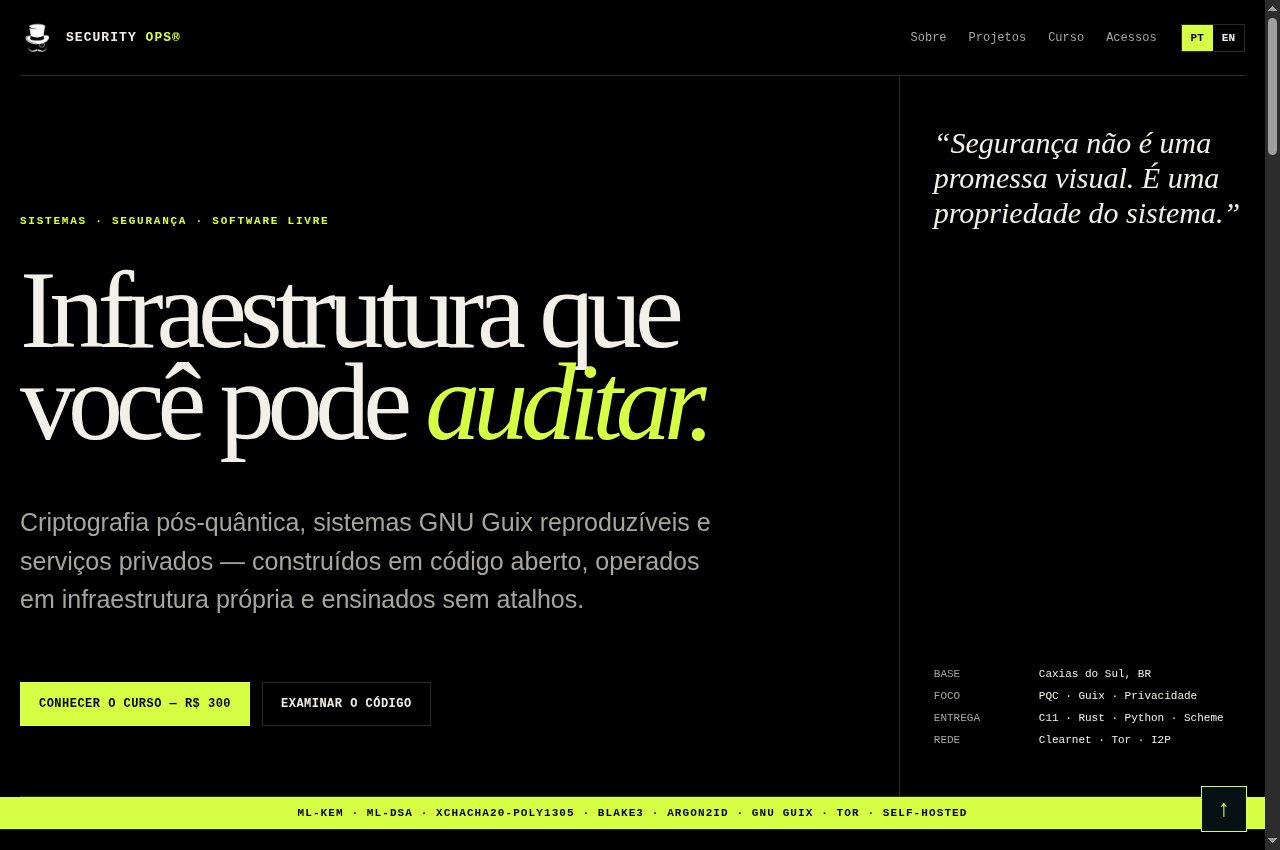
Security Ops Brasil — Public capture, page loading complete · 2026-09-06 15:53 UTC
Public capture, page loading complete · 2026-09-06 15:53 UTC

Security Ops Brasil

An introduction to Security Ops projects, services, learning and contact channels.
Getting started
  1. Use the navigation to find projects, services, learning and contact information.
  2. Open the project guide or repository before installing software or engaging a service.
  3. Contact the maintainer using the published contact details and describe the purpose and context of your request.
Full guide, requirements and support →
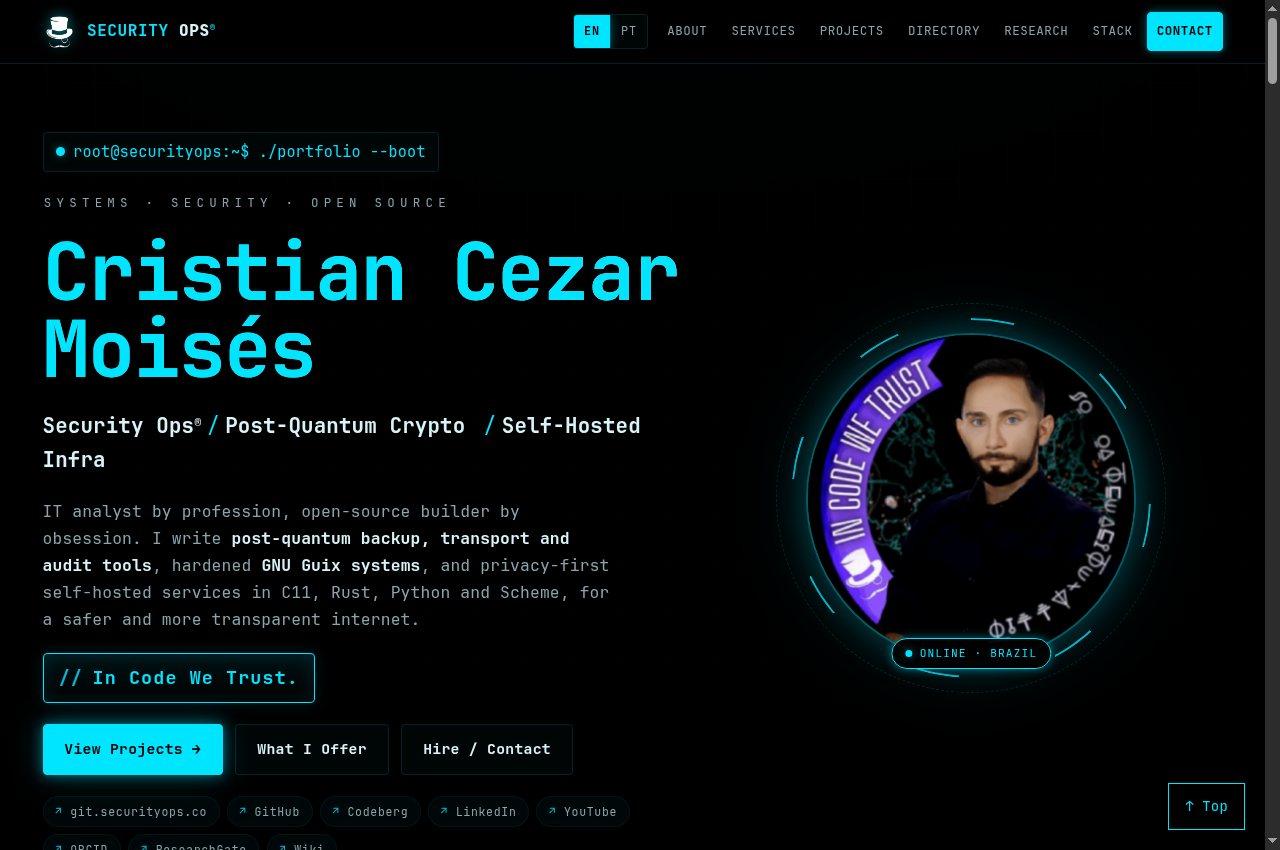
Cristian Cezar Moisés — Public capture, page loading complete · 2026-09-06 15:44 UTC
Public capture, page loading complete · 2026-09-06 15:44 UTC

Cristian Cezar Moisés

Portfolio of systems engineering, security, free software and research.
Getting started
  1. Use the navigation to find projects, services, learning and contact information.
  2. Open the project guide or repository before installing software or engaging a service.
  3. Contact the maintainer using the published contact details and describe the purpose and context of your request.
Full guide, requirements and support →
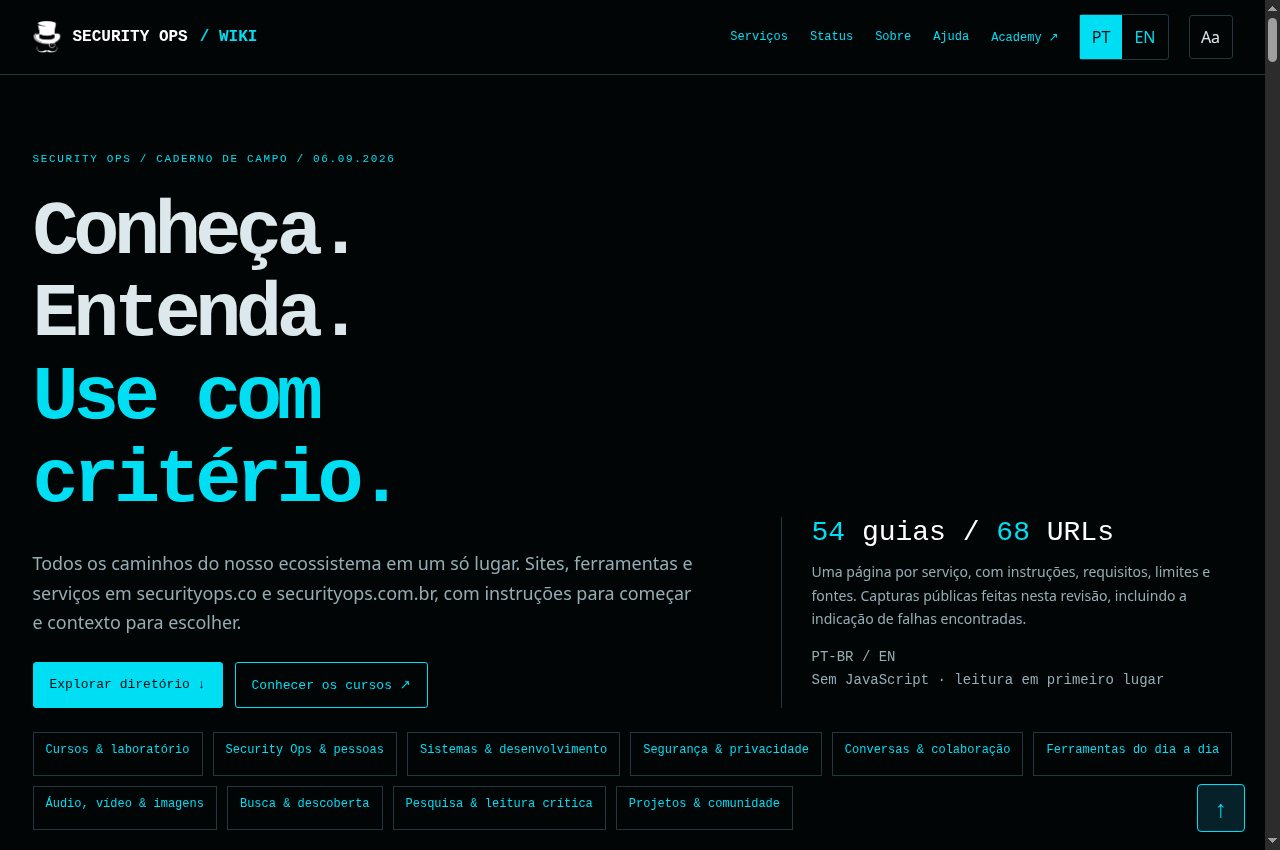
Security Ops Wiki — Public capture, page loading complete · 2026-09-06 15:44 UTC
Public capture, page loading complete · 2026-09-06 15:44 UTC

Security Ops Wiki

Directory of public services and practical ecosystem guides.
Getting started
  1. Use the navigation to find projects, services, learning and contact information.
  2. Open the project guide or repository before installing software or engaging a service.
  3. Contact the maintainer using the published contact details and describe the purpose and context of your request.
Full guide, requirements and support →
Systems and development 10 services
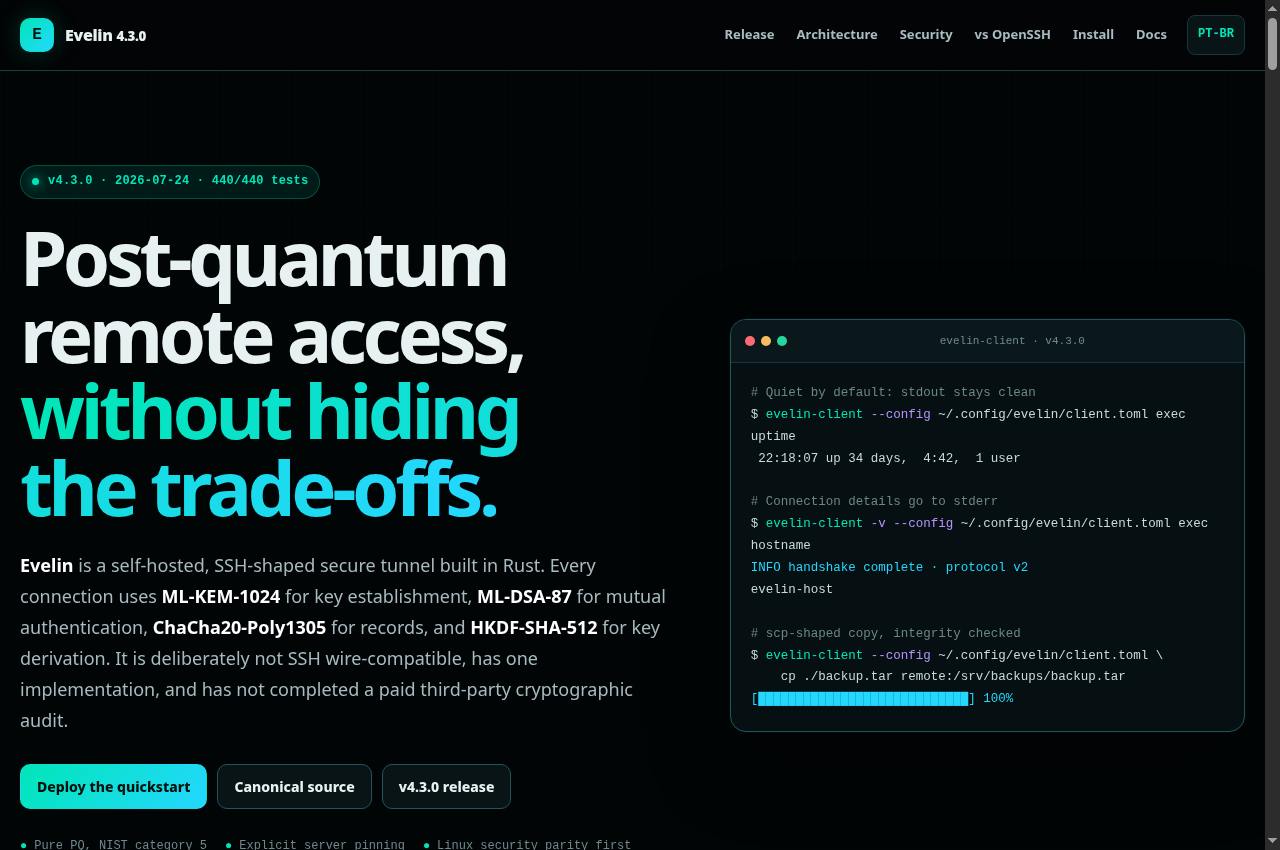
Evelin — Public screenshot, signed out · 2026-09-06 15:17 UTC
Public screenshot, signed out · 2026-09-06 15:17 UTC

Evelin

Documentation for Evelin secure transport and remote-access tools.
Getting started
  1. Install the documented version for your system and read the identity and client-configuration guide. Use only servers you are authorized to access.
  2. Configure a profile using the project guide and confirm the server identity through a trusted channel before the first connection.
  3. Start with a shell session and a small transfer. When creating tunnels, limit interfaces and destinations to what is needed and consult your version’s command reference.
Full guide, requirements and support →
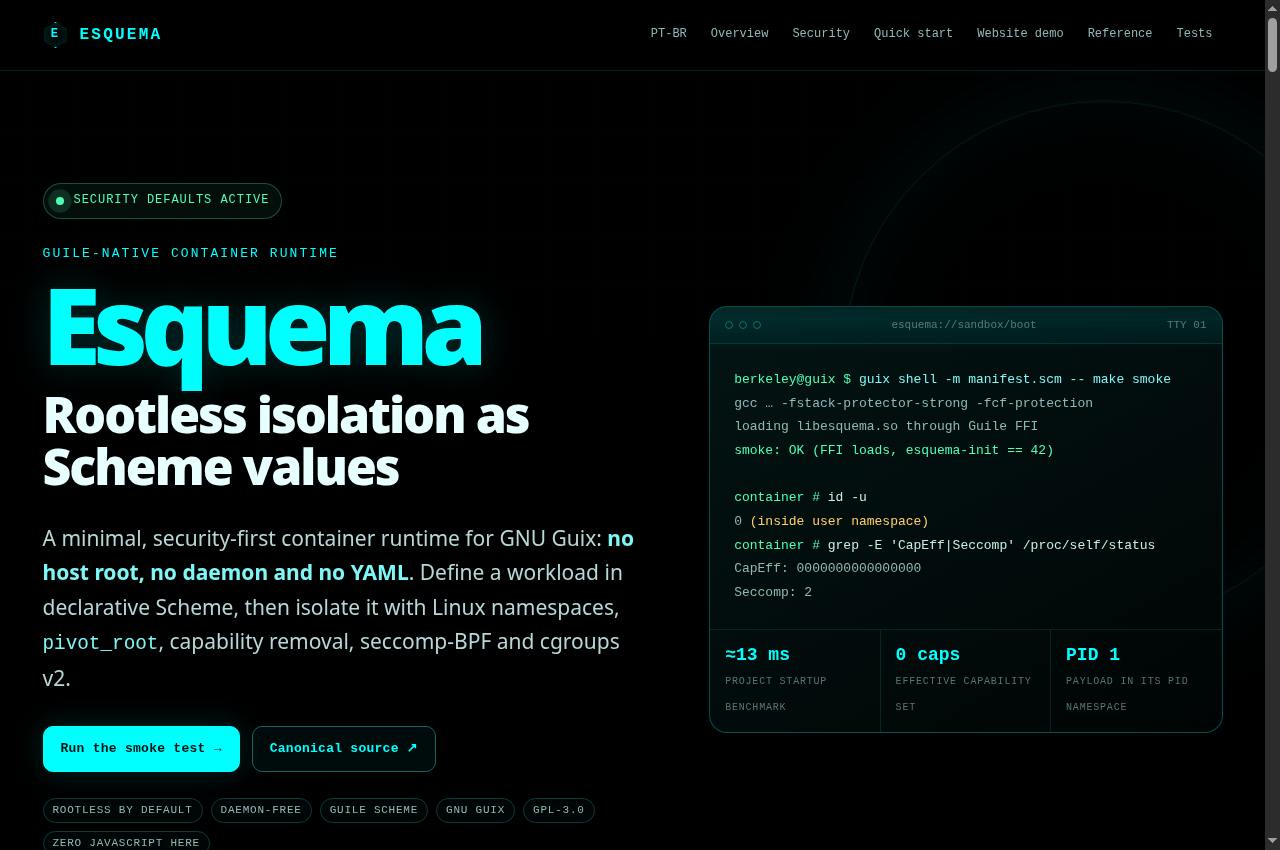
Esquema — Public screenshot, signed out · 2026-09-06 15:17 UTC
Public screenshot, signed out · 2026-09-06 15:17 UTC

Esquema

A daemon-free container runtime configured in Guile Scheme for GNU Guix.
Getting started
  1. Read the chosen version’s GNU Guix, Guile and Linux requirements. Use the project manifest to prepare the development environment.
  2. Run the documented smoke test before defining your own workload. Review the Scheme container example and isolation options.
  3. Mount only required directories and set resource limits. Test file access, networking and process shutdown with disposable data.
Full guide, requirements and support →
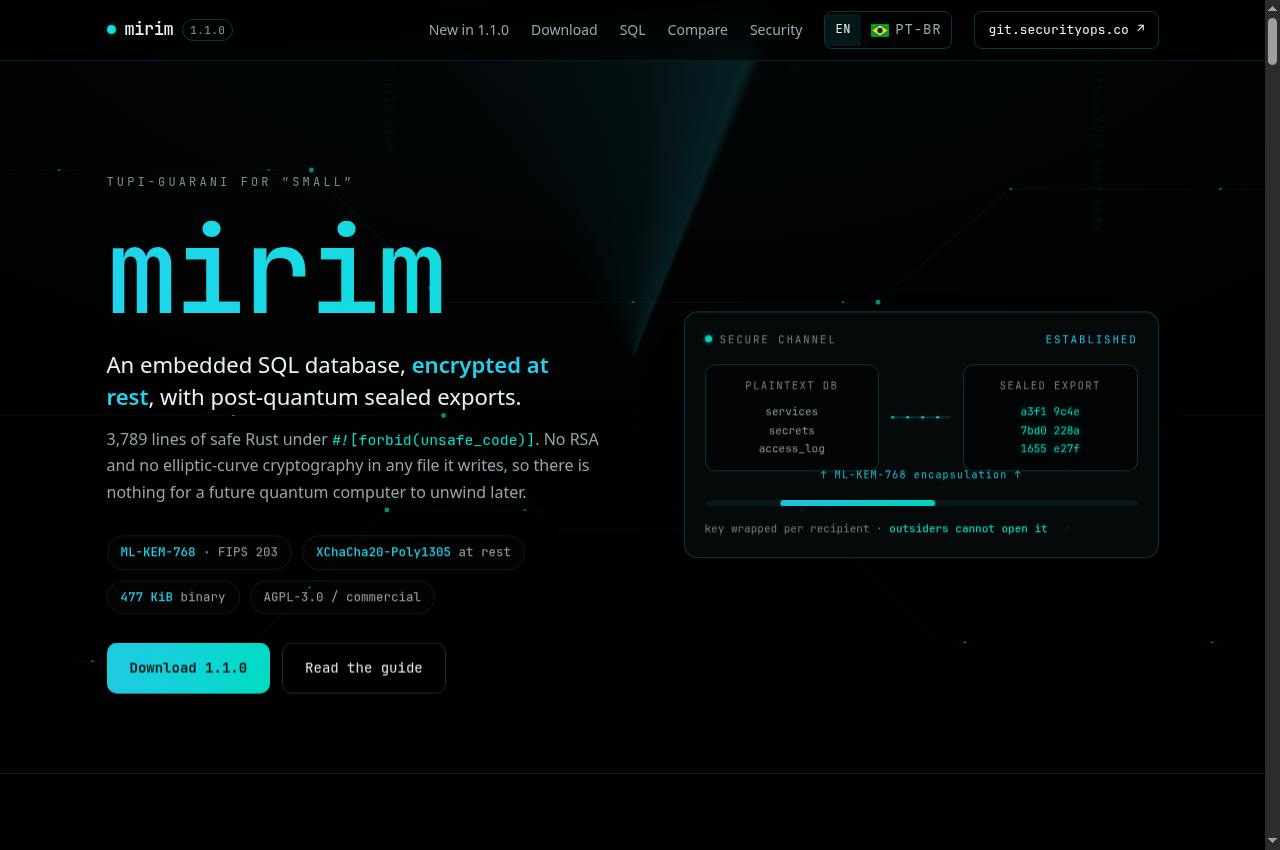
mirim — Public screenshot, signed out · 2026-09-06 15:17 UTC
Public screenshot, signed out · 2026-09-06 15:17 UTC

mirim

An embedded SQL database with integration and encrypted-format documentation.
Getting started
  1. Read the SQL API and key and format requirements before integrating the database. Choose a version and license appropriate to your project.
  2. Create a test database and exercise opening, insertion, queries and closing with the published examples.
  3. Test export and recovery, including availability of the correct key. Do not change formats or cryptographic parameters on unique data without a recoverable copy.
Full guide, requirements and support →
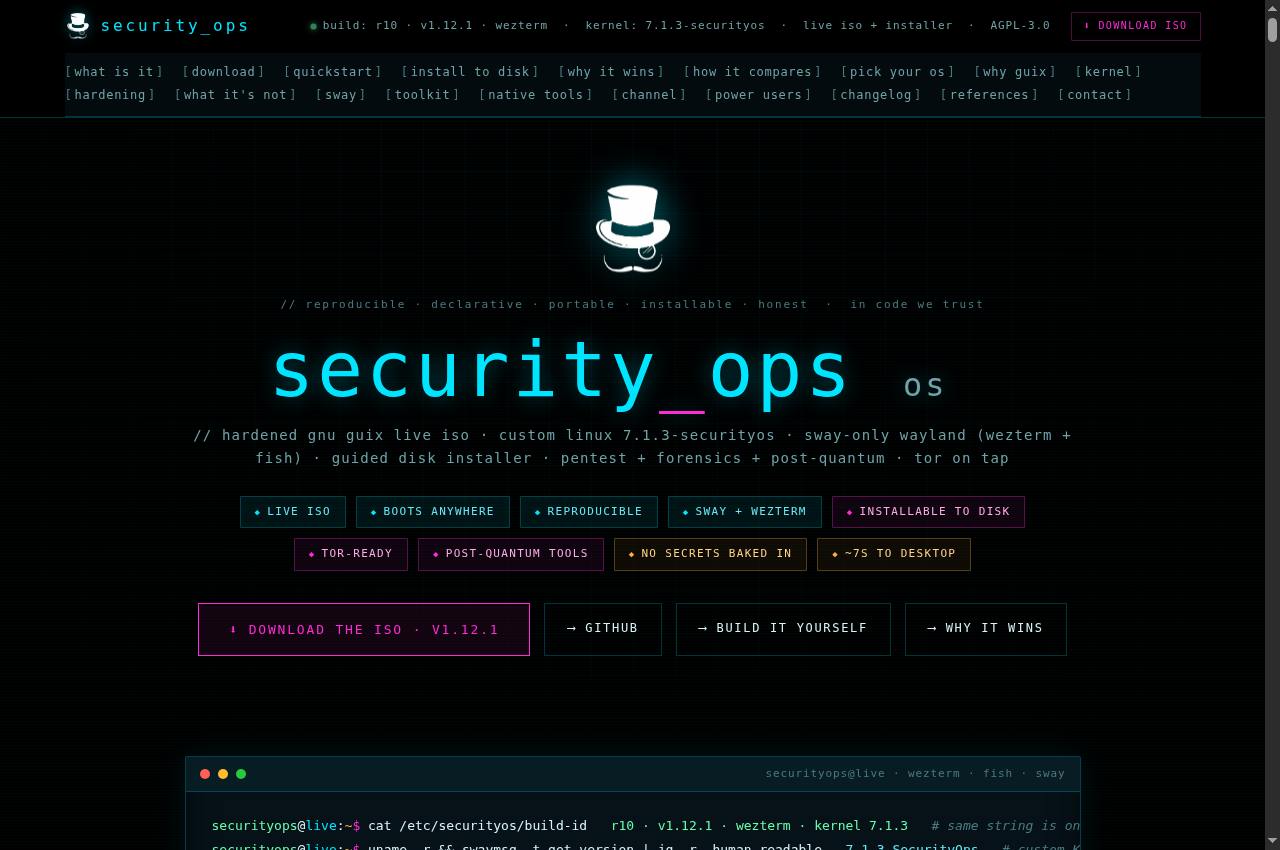
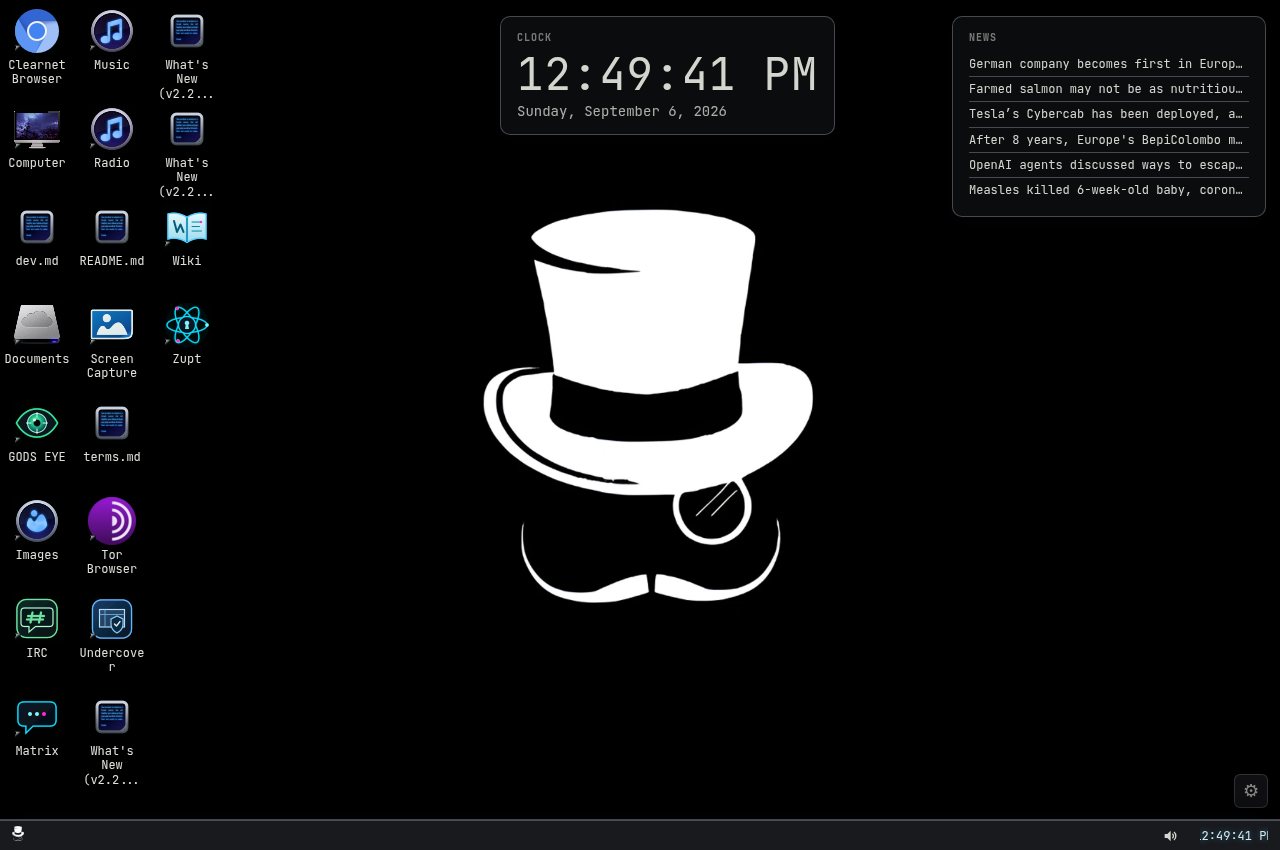
Security Ops OS — Public screenshot, signed out · 2026-09-06 15:17 UTC
Public screenshot, signed out · 2026-09-06 15:17 UTC

Security Ops OS

Presentation and installation guide for the Security Ops GNU Guix system and live image.
Getting started
  1. Read the hardware requirements, image notes and installation guide. Choose the published artifact for your architecture.
  2. Verify the download against available hashes or signatures. Test the image in a virtual machine or live session before installing.
  3. Back up your data and carefully confirm the target disk. Disk installation can overwrite existing data.
Full guide, requirements and support →
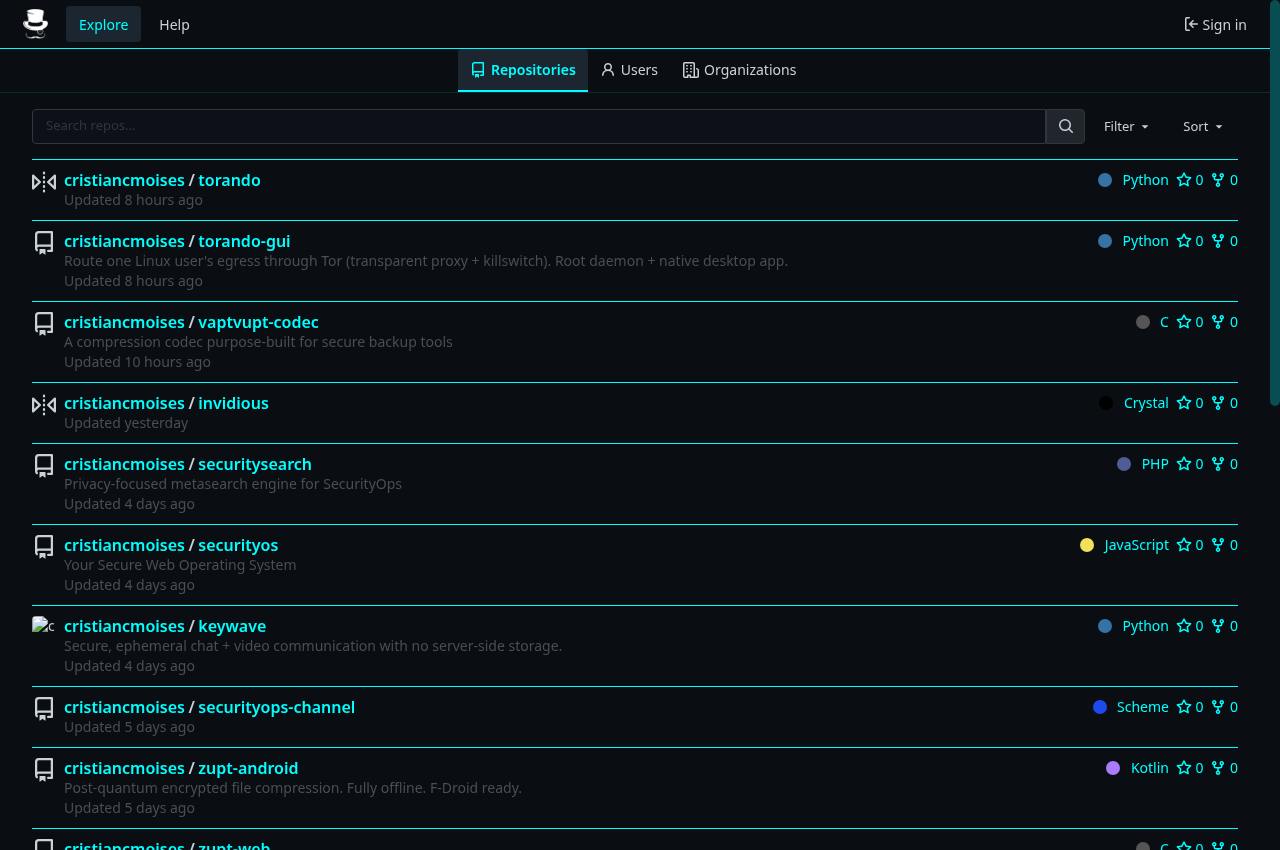
SecurityOS Web — Public capture, page loading complete · 2026-09-06 15:49 UTC
Public capture, page loading complete · 2026-09-06 15:49 UTC

SecurityOS Web

A desktop environment accessed through a web browser.
Getting started
  1. Open the environment in an updated browser and allow the applications to load.
  2. Explore with test files first. Permissions and features depend on the browser and environment configuration.
  3. Export anything you want to retain before closing. Do not assume that a temporary session preserves data or provides anonymity for every operation.
Full guide, requirements and support →
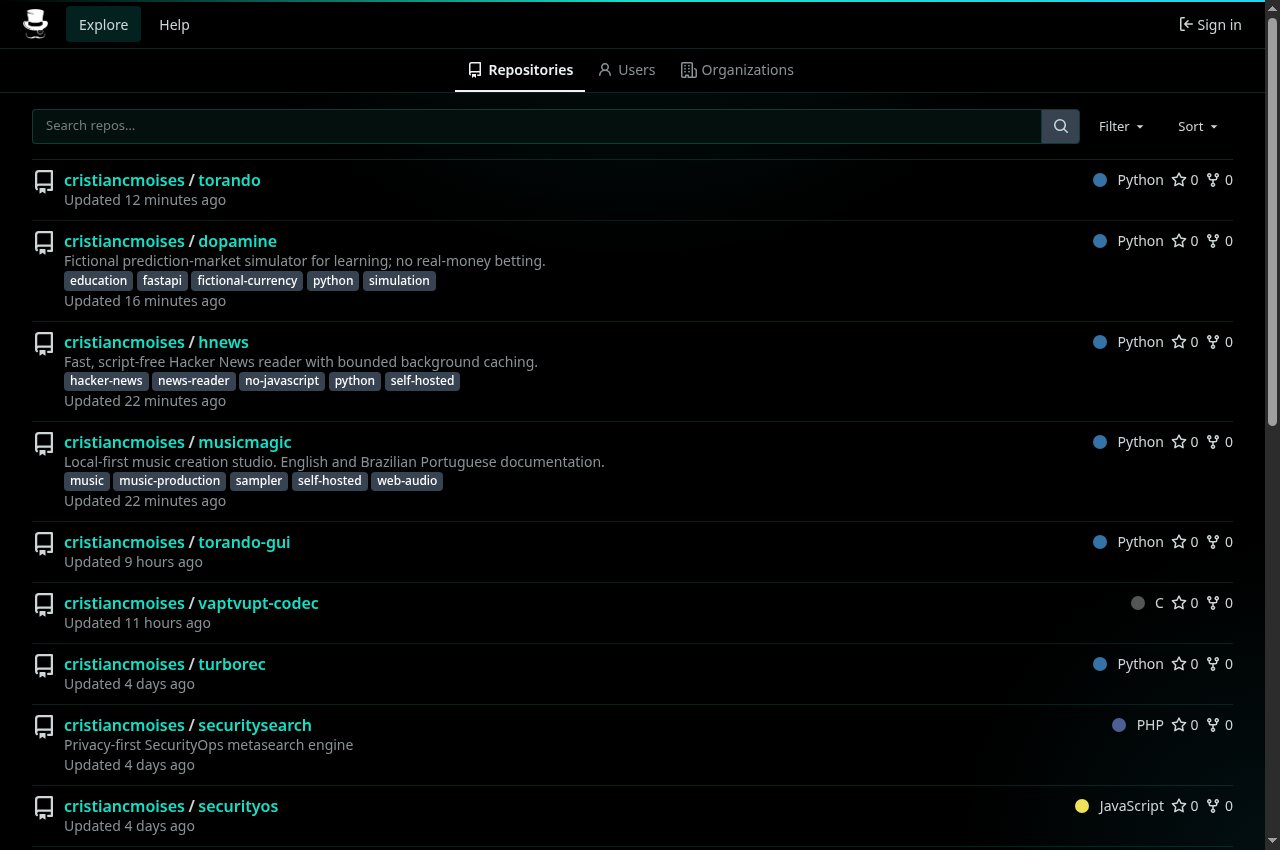
Forgejo · securityops.co — Public screenshot, signed out · 2026-09-06 15:17 UTC
Public screenshot, signed out · 2026-09-06 15:17 UTC

Forgejo · securityops.co

A source forge with projects, documentation and development history.
Getting started
  1. Use Explore to find public repositories. Read the project README, license and contribution instructions.
  2. Copy the HTTPS URL shown by the repository when cloning. Consult Releases and tags when you need a reproducible version.
  3. To contribute, use an authorized account and follow the issue and pull-request workflow. Keep credentials, personal data and private keys out of commits.
Full guide, requirements and support →
Forgejo · securityops.com.br — Public capture, page loading complete · 2026-09-06 15:50 UTC
Public capture, page loading complete · 2026-09-06 15:50 UTC

Forgejo · securityops.com.br

A second public instance for Git repository hosting and collaboration.

Getting started
  1. Use Explore to find public repositories. Read the project README, license and contribution instructions.
  2. Copy the HTTPS URL shown by the repository when cloning. Consult Releases and tags when you need a reproducible version.
  3. To contribute, use an authorized account and follow the issue and pull-request workflow. Keep credentials, personal data and private keys out of commits.
Full guide, requirements and support →
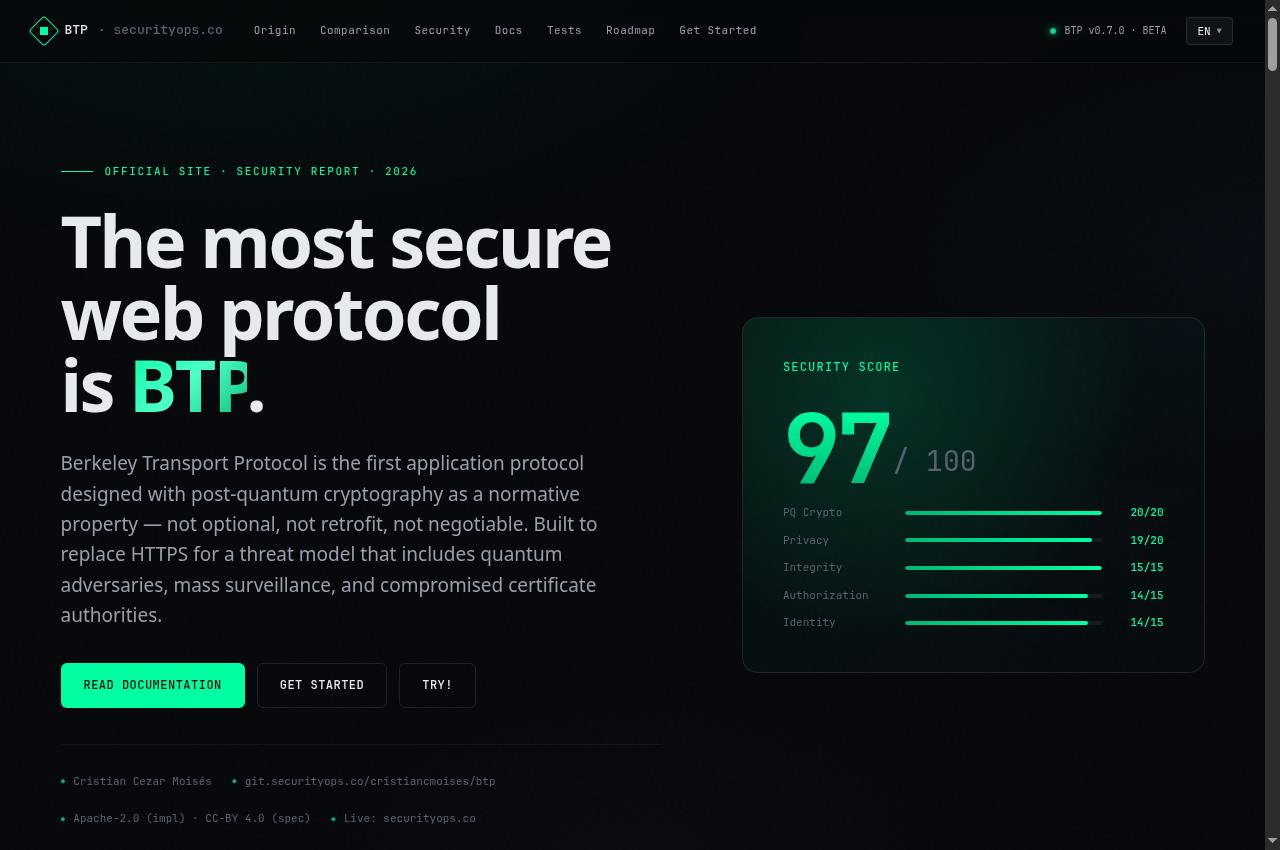
Guix substitutes — Public screenshot, signed out · 2026-09-06 15:17 UTC
Public screenshot, signed out · 2026-09-06 15:17 UTC

Guix substitutes

A GNU Guix substitute server with a public signing key.
Getting started
  1. Read the Guix manual on substitutes and key authorization. This server publishes its signing key on the homepage.
  2. Confirm the key through a trusted channel before authorizing it. Add the URL to the substitute-server set in your configuration.
  3. Perform a small operation and confirm the download is accepted. Retain the sources and trusted servers required by your update policy.
Full guide, requirements and support →
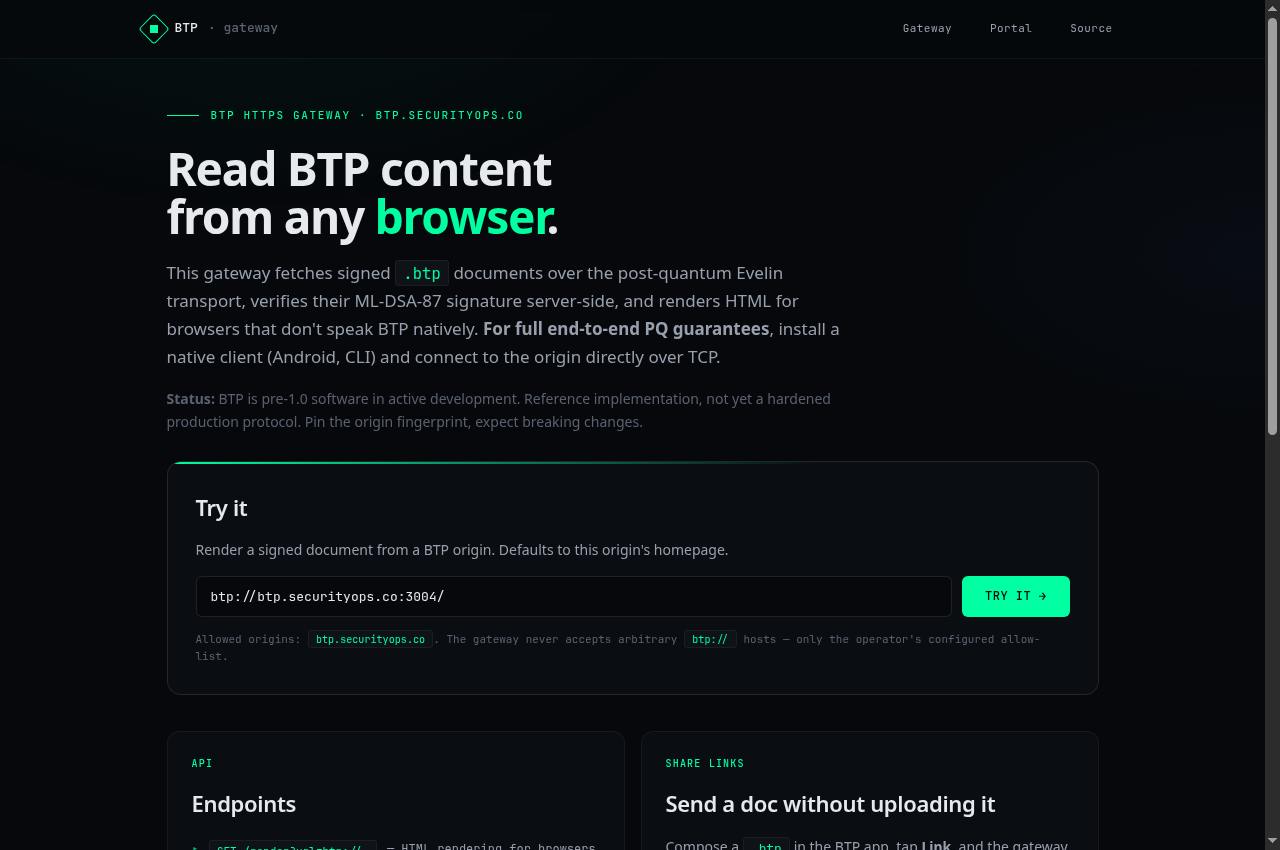
Berkeley Transport Protocol — Public screenshot, signed out · 2026-09-06 15:17 UTC
Public screenshot, signed out · 2026-09-06 15:17 UTC

Berkeley Transport Protocol

Portal and specification for the experimental BTP protocol, with a connection guide.
Getting started
  1. Read the project specification, development status and connection guide.
  2. Choose a compatible client and confirm the origin fingerprint before trusting it. Start with test documents.
  3. Distinguish native access from gateway access: verification and trust boundaries differ. Track changes to the format and protocol.
Full guide, requirements and support →
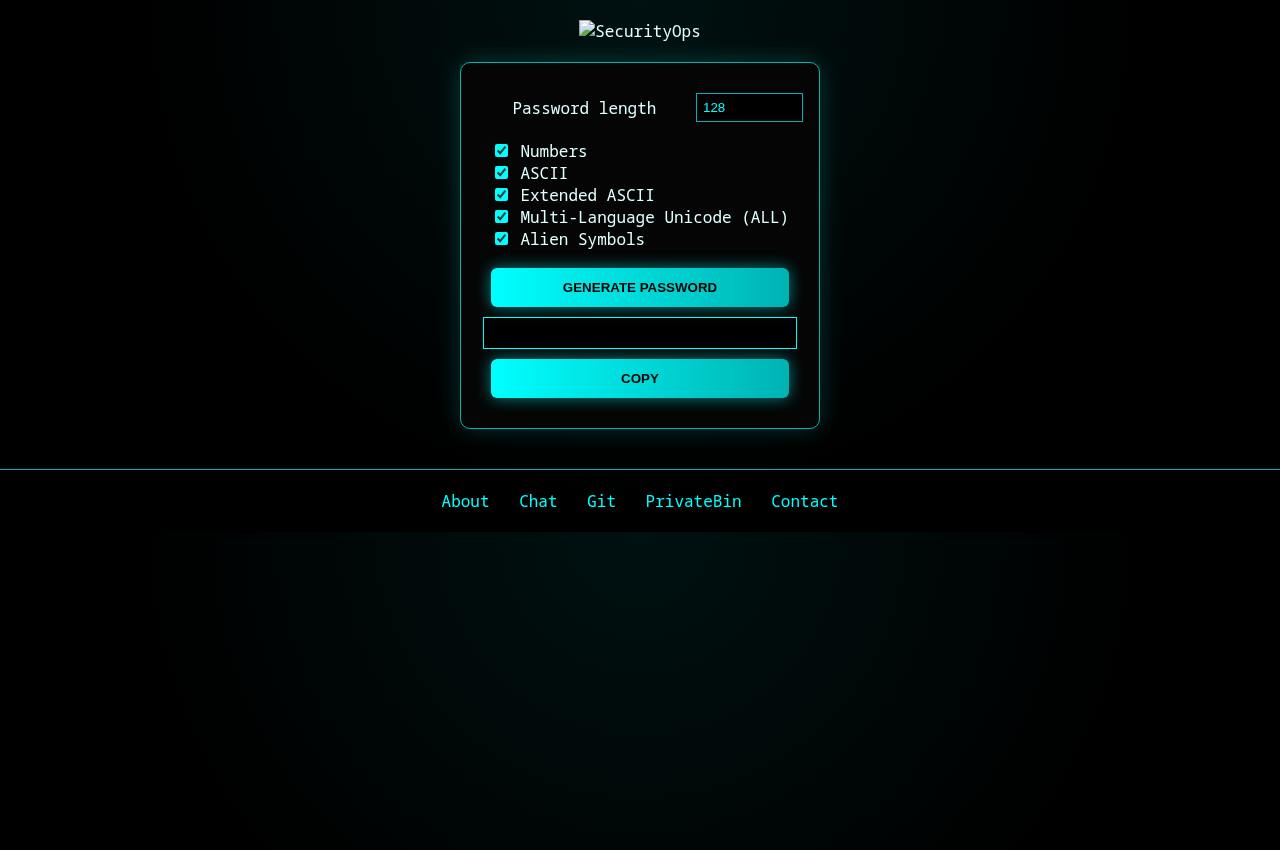
BTP Gateway — Public screenshot, signed out · 2026-09-06 15:17 UTC
Public screenshot, signed out · 2026-09-06 15:17 UTC

BTP Gateway

An HTTPS gateway for reading BTP documents from allowed origins.
Getting started
  1. Open the gateway and use the published document example or an explicitly allowed origin.
  2. Read the rendered document and consult the BTP portal to understand the signature and origin fingerprint.
  3. For verification directly in your client, follow the native-access guide. The gateway verifies data on the server and is not equivalent to a native end-to-end BTP connection.
Full guide, requirements and support →
Security and privacy 6 services
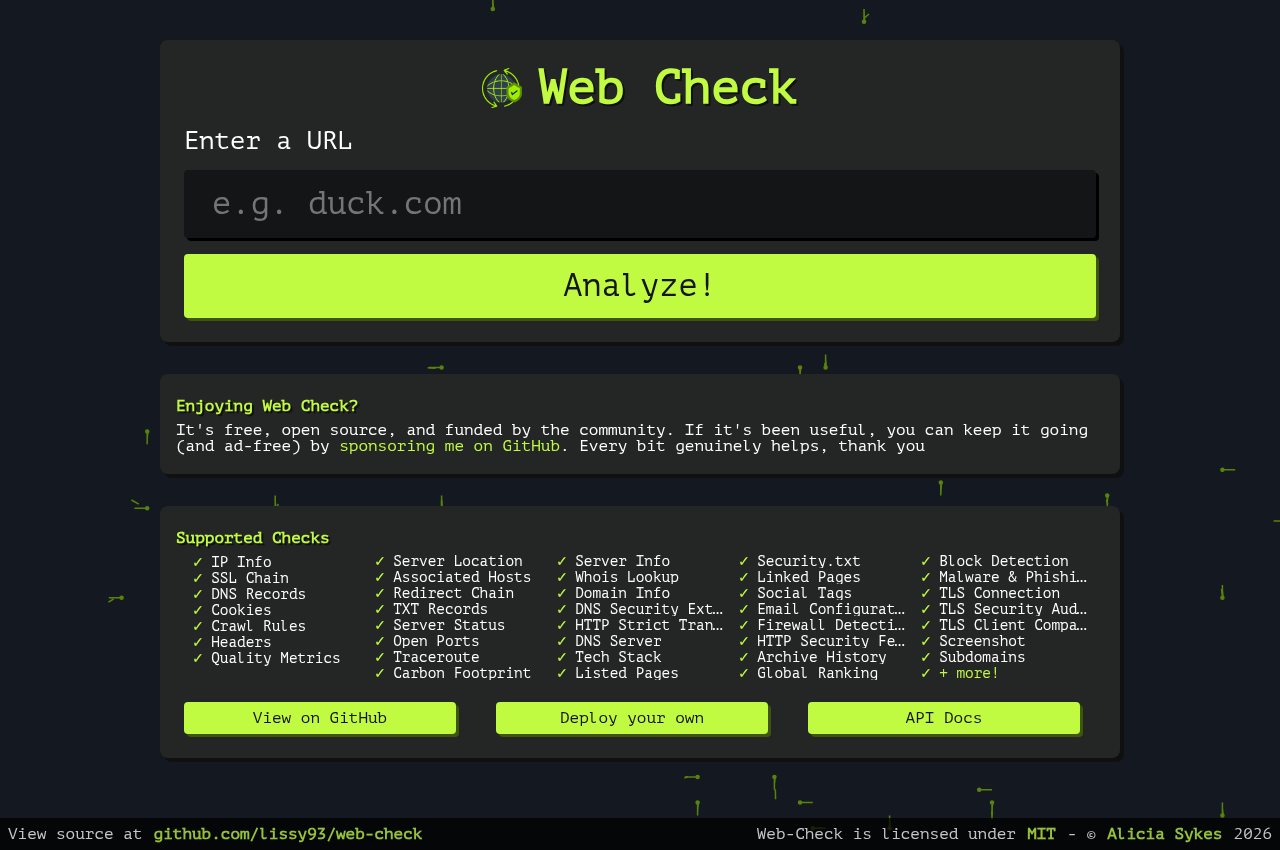
BRUTE Password Generator — Public screenshot, signed out · 2026-09-06 15:17 UTC
Public screenshot, signed out · 2026-09-06 15:17 UTC

BRUTE Password Generator

Password generator with configurable length and character groups.

Getting started
  1. Choose a length supported by the service that will use the password. Select accepted character groups.
  2. Generate a different password for each account. Check that the destination accepts any symbols or Unicode characters.
  3. Copy it directly into a password manager and keep it out of chats, screenshots and public history.
Full guide, requirements and support →
Passky — Public screenshot, signed out · 2026-09-06 15:17 UTC
Public screenshot, signed out · 2026-09-06 15:17 UTC

Passky

A password-management interface with sign-in and server selection.

Getting started
  1. Confirm the domain before entering credentials. Use a unique password and the account belonging to this instance.
  2. Use the functions granted to your account. Registration, recovery and available features depend on the service configuration.
  3. Enable a second factor when available, keep recovery methods safe and sign out when finished. Never send passwords or codes to support.
Full guide, requirements and support →
// 2faPreview unavailable in this review

The page could not be captured correctly. Use the links and guide below; blank or error screens are not displayed as a service preview.

2FAuth

An interface for managing two-factor authentication codes.
Getting started
  1. Confirm the domain before entering credentials. Use a unique password and the account belonging to this instance.
  2. Use the functions granted to your account. Registration, recovery and available features depend on the service configuration.
  3. Enable a second factor when available, keep recovery methods safe and sign out when finished. Never send passwords or codes to support.
Full guide, requirements and support →
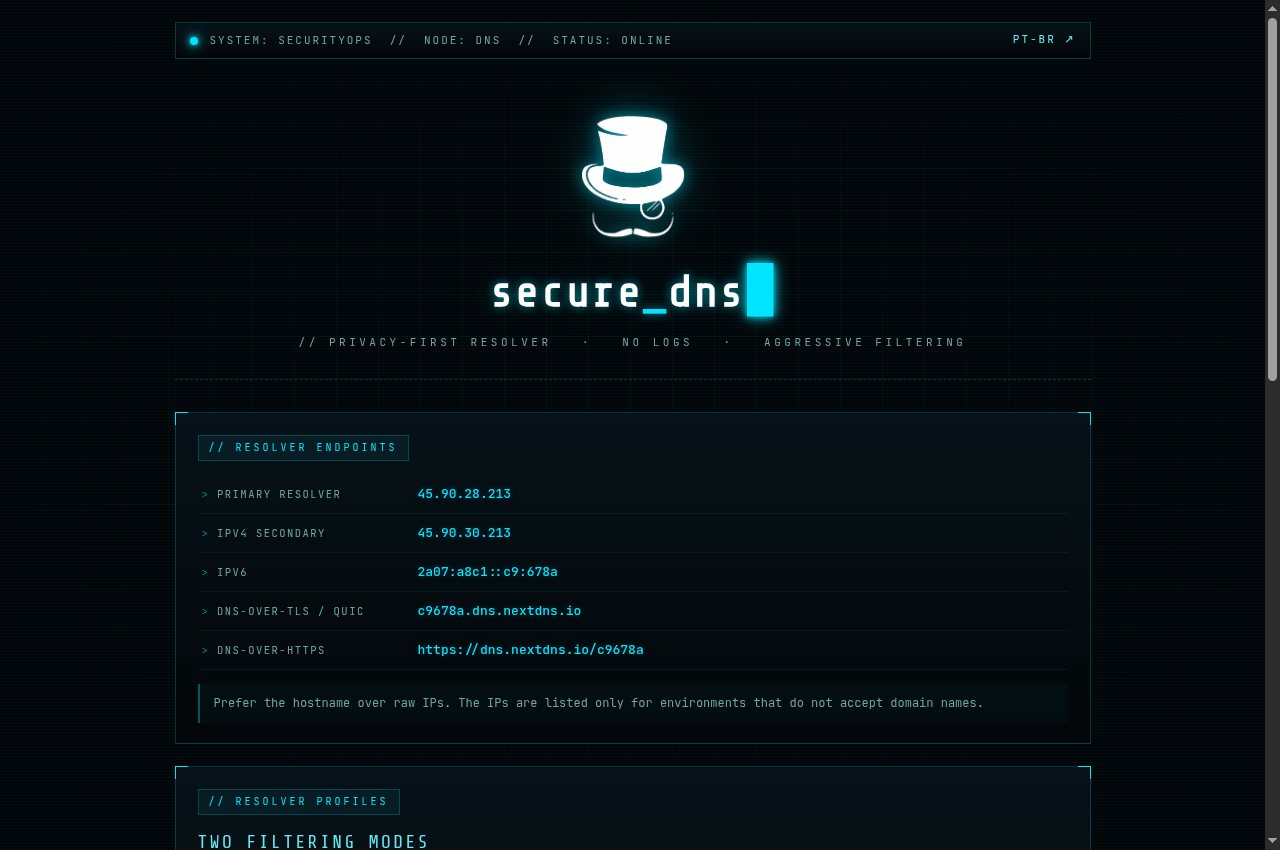
Web Check — Public capture, page loading complete · 2026-09-06 15:48 UTC
Public capture, page loading complete · 2026-09-06 15:48 UTC

Web Check

Inspection of a website’s public information, including DNS, TLS and headers.

Getting started
  1. Enter only your own website or a target you are authorized to inspect.
  2. Run the analysis and review the result categories. DNS, certificates and headers describe only the observed state.
  3. Confirm findings against the real configuration before acting. An automated alert does not prove exploitation and a high score does not guarantee security.
Full guide, requirements and support →
// quanticoPreview unavailable in this review

The page could not be captured correctly. Use the links and guide below; blank or error screens are not displayed as a service preview.

Quantico

FORKBOMB’s file-encryption interface, hosted by Security Ops.
Getting started
  1. Read the key and file formats required by the tool. Start with a test file and retain the original.
  2. Use Encrypt or Decrypt as needed and import only the key required for that operation.
  3. Store the private key safely and test decryption before relying on the encrypted file. Recovery may be impossible without the correct key.
Full guide, requirements and support →
Security Ops DNS — Public capture, page loading complete · 2026-09-06 15:49 UTC
Public capture, page loading complete · 2026-09-06 15:49 UTC

Security Ops DNS

Configuration guide for the public filtered-DNS profile and its endpoints.
Getting started
  1. Open the DNS page and copy the appropriate DoH or DoT endpoint. Use the published hostname rather than mixing profile and address settings.
  2. Configure the resolver in your system or browser and record the previous settings for rollback.
  3. Test name resolution and browsing. Filtering may block legitimate resources; report the affected domain and retain a recovery option.
Full guide, requirements and support →
Communication 8 services
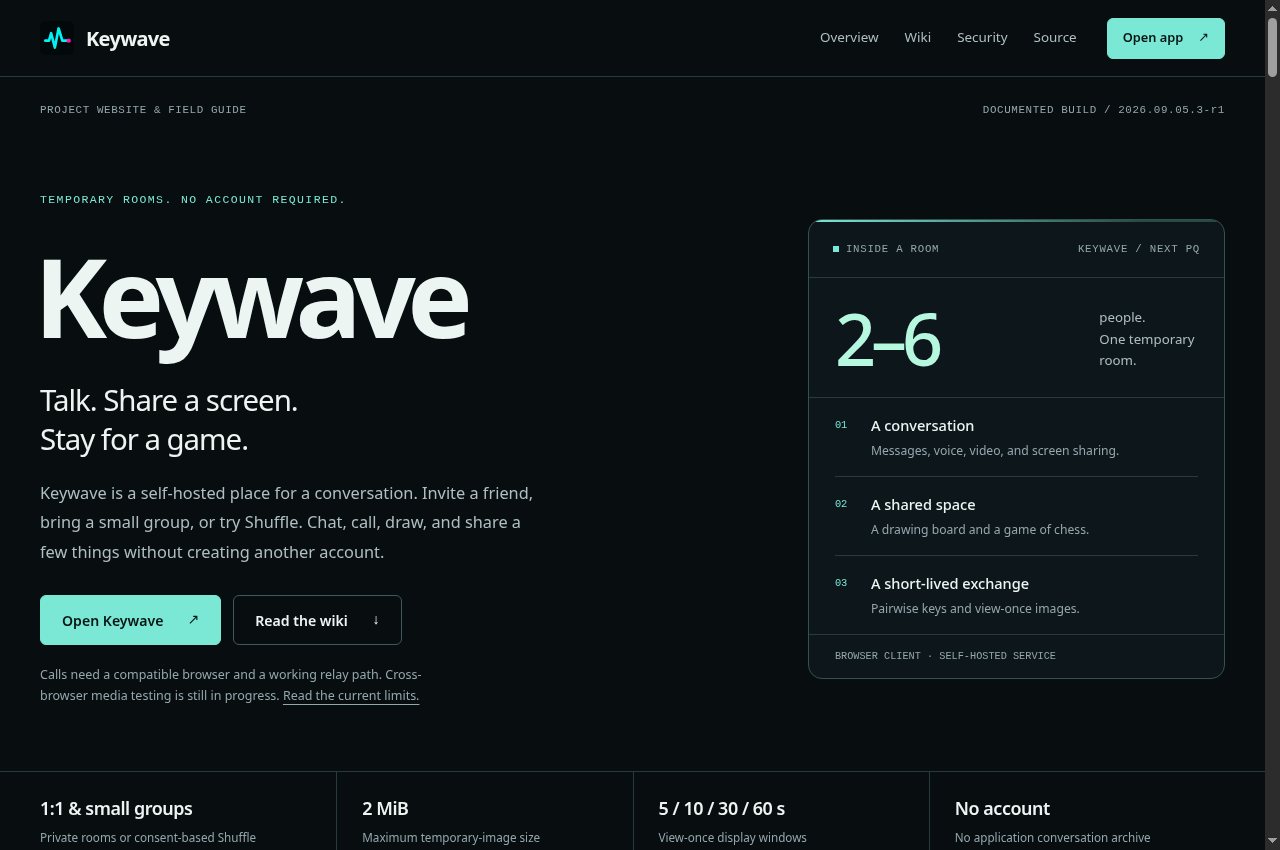
Keywave · projeto — Public capture, page loading complete · 2026-09-06 15:46 UTC
Public capture, page loading complete · 2026-09-06 15:46 UTC

Keywave · projeto

Project website and wiki for temporary rooms with chat, calls, drawing and sharing.
Getting started
  1. Read the overview, requirements and documented limits on the project website. The website’s version may differ from the repository’s version.
  2. Follow your platform’s installation guide and verify download origins. Review scripts before running them and check published signatures or checksums.
  3. Start with a small example and test data. Record the version used and consult the changelog and migration instructions before upgrading.
Full guide, requirements and support →
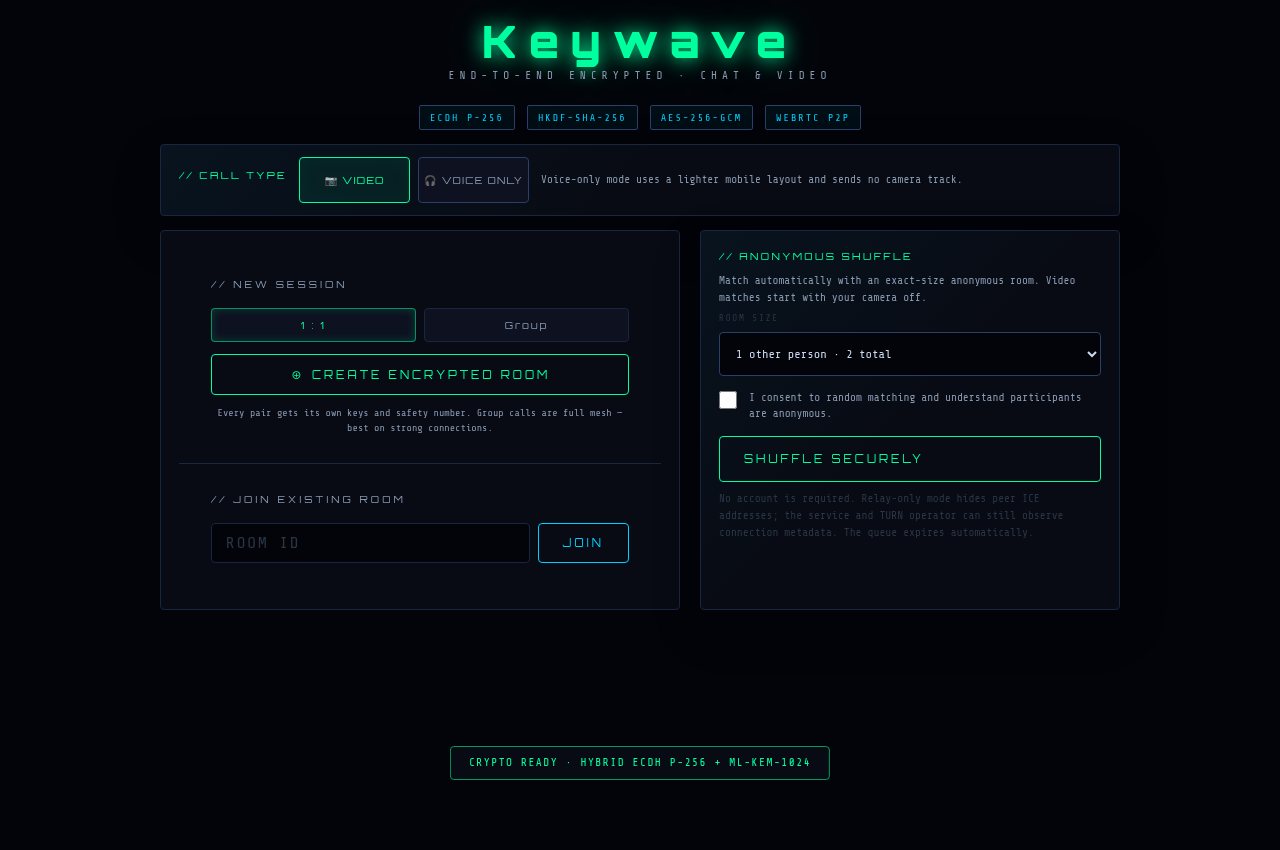
Keywave · salas — Public capture, page loading complete · 2026-09-06 15:46 UTC
Public capture, page loading complete · 2026-09-06 15:46 UTC

Keywave · salas

The Keywave temporary-room application, accessed through an invitation link.

Getting started
  1. Open the application and create or join a temporary room. Share its invitation only with the expected participants.
  2. Choose text, calls, screen sharing or drawing using the room controls. Grant camera and microphone permissions only when needed.
  3. When available, compare safety numbers over an independent channel. End the call and close the room when finished.
Full guide, requirements and support →
// teamsPreview unavailable in this review

The page could not be captured correctly. Use the links and guide below; blank or error screens are not displayed as a service preview.

TempChat

Browser video calls started through an invitation.
Getting started
  1. Open the service in a browser that supports video calls. Select a quality setting before starting.
  2. Allow camera and microphone access when prompted and share the session invitation with the expected person.
  3. Test audio and video. If the connection fails, reduce the quality, review browser permissions and try a compatible network.
Full guide, requirements and support →
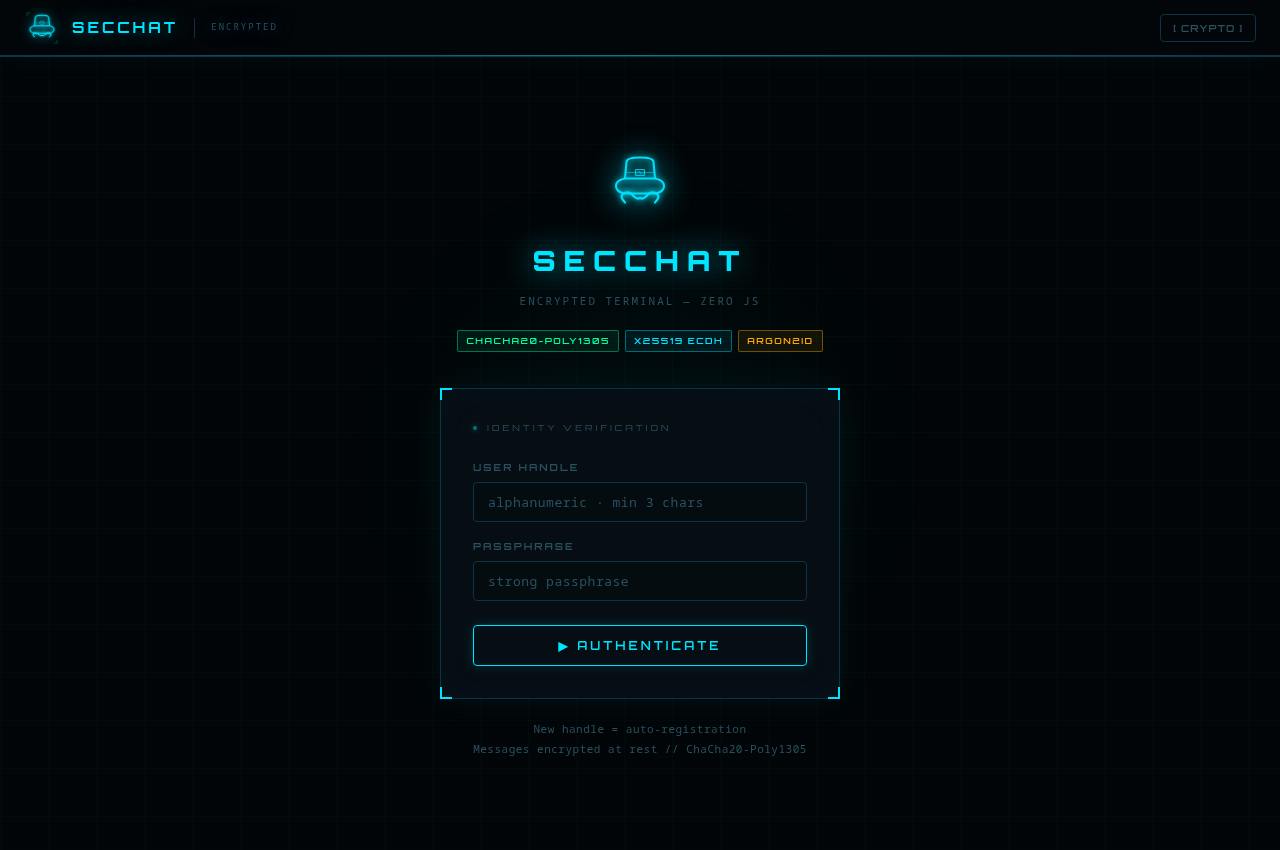
SecChat — Public screenshot, signed out · 2026-09-06 15:16 UTC
Public screenshot, signed out · 2026-09-06 15:16 UTC

SecChat

A terminal-style chat interface using a handle and passphrase.
Getting started
  1. Confirm the domain before entering credentials. Use a unique password and the account belonging to this instance.
  2. Use the functions granted to your account. Registration, recovery and available features depend on the service configuration.
  3. Enable a second factor when available, keep recovery methods safe and sign out when finished. Never send passwords or codes to support.
Full guide, requirements and support →
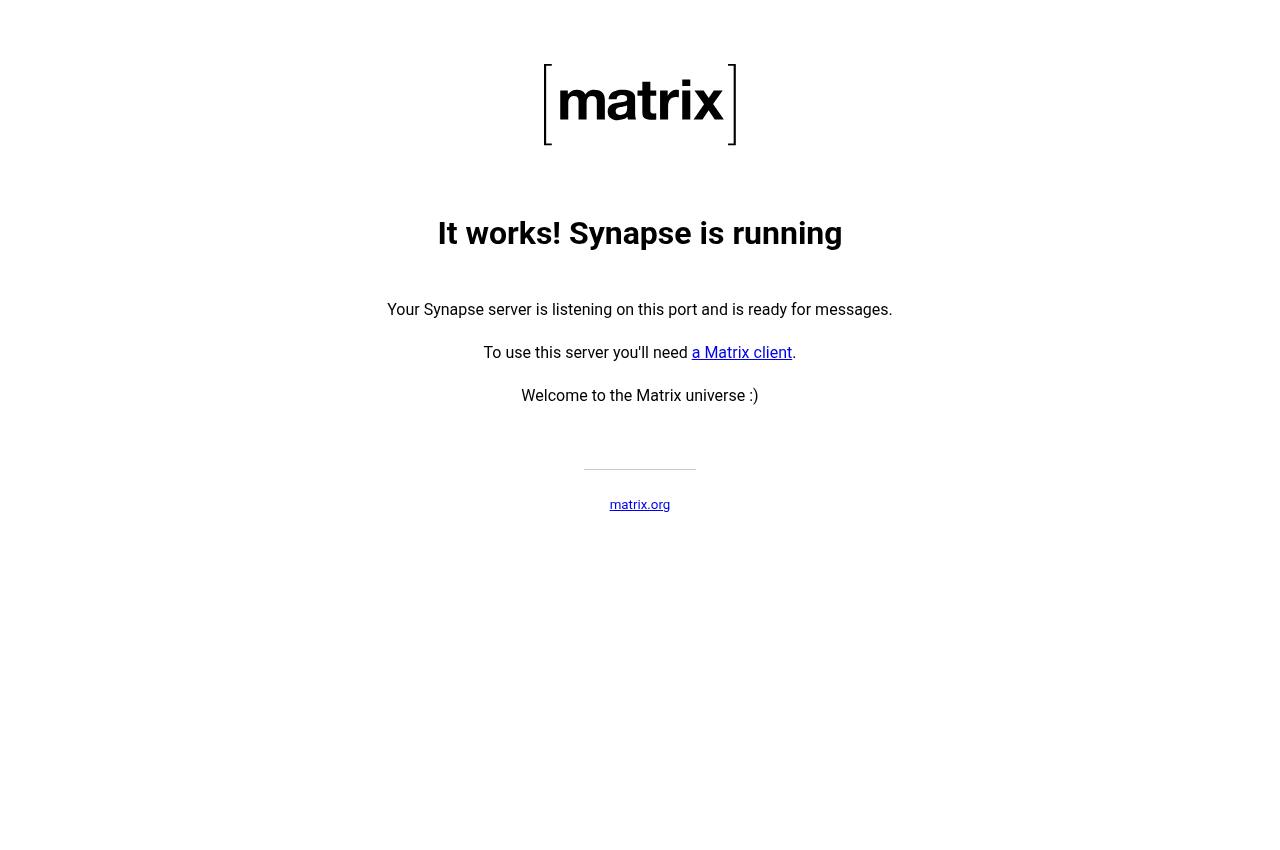
Matrix · securityops.co — Public screenshot, signed out · 2026-09-06 15:16 UTC
Public screenshot, signed out · 2026-09-06 15:16 UTC

Matrix · securityops.co

A Matrix homeserver with a public Synapse discovery page.

Getting started
  1. Choose a compatible Matrix client. The server homepage is a discovery page, not the full chat interface.
  2. In your client settings, enter the Matrix server matching this guide’s domain. Use an account provisioned on that server.
  3. Join the permitted rooms and configure key recovery in your client. Verify participants and the room’s encryption status.
Full guide, requirements and support →
Matrix · securityops.com.br — Public screenshot, signed out · 2026-09-06 15:16 UTC
Public screenshot, signed out · 2026-09-06 15:16 UTC

Matrix · securityops.com.br

A Matrix homeserver with a public Continuwuity page.

Getting started
  1. Choose a compatible Matrix client. The server homepage is a discovery page, not the full chat interface.
  2. In your client settings, enter the Matrix server matching this guide’s domain. Use an account provisioned on that server.
  3. Join the permitted rooms and configure key recovery in your client. Verify participants and the room’s encryption status.
Full guide, requirements and support →
The Lounge · IRC — Public screenshot, signed out · 2026-09-06 15:16 UTC
Public screenshot, signed out · 2026-09-06 15:16 UTC

The Lounge · IRC

A web client for connecting to the IRC network configured on the service.
Getting started
  1. Choose a nickname and review the channels in the connection form. Do not provide your legal name unless you intend to share it with the network.
  2. Connect to the configured network and follow each channel’s rules. Use the password option only when required by the network or your registration.
  3. Leave channels or disconnect when finished. Do not treat IRC messages as private conversations by default.
Full guide, requirements and support →
whatsapp.el — Public screenshot, signed out · 2026-09-06 15:16 UTC
Public screenshot, signed out · 2026-09-06 15:16 UTC

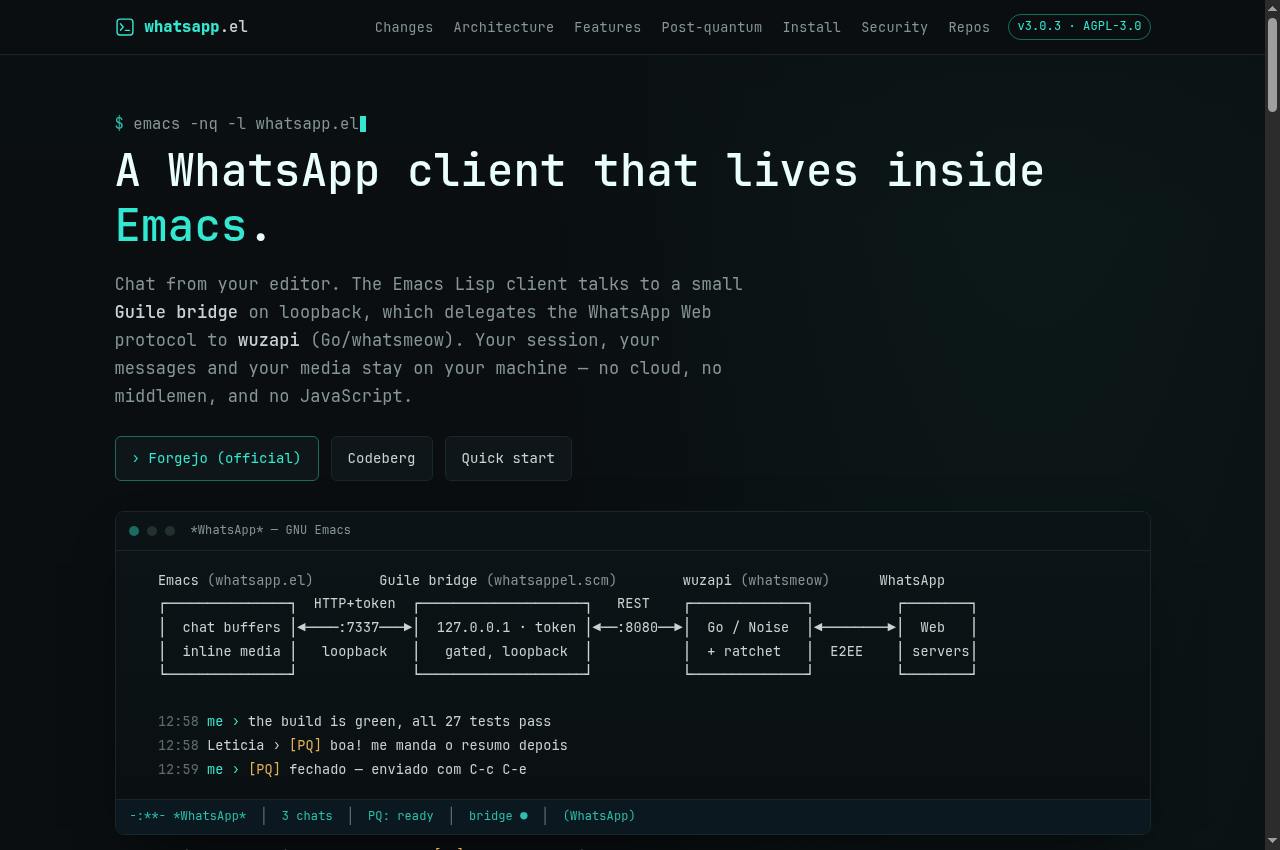
whatsapp.el

Documentation for the GNU Emacs WhatsApp client and its local bridge.
Getting started
  1. Read the project’s GNU Emacs and local-bridge requirements. Review session configuration before linking your account.
  2. Install the client and bridge using the guide, keeping credentials and session files in a private directory.
  3. Follow the device-linking flow and test an authorized conversation. When ending use, review linked devices and remove the session when necessary.
Full guide, requirements and support →
Everyday tools 9 services
Turbo Recorder — Public screenshot, signed out · 2026-09-06 15:16 UTC
Public screenshot, signed out · 2026-09-06 15:16 UTC

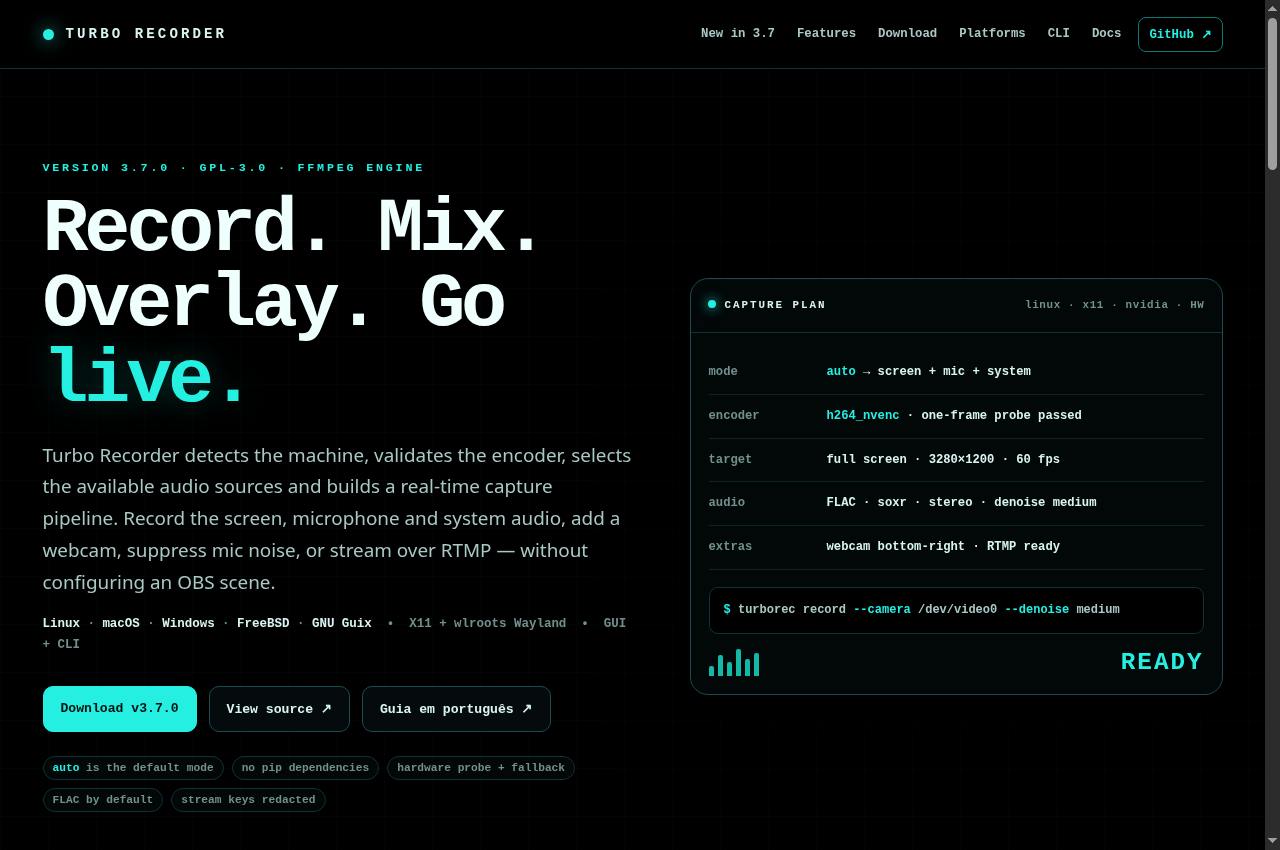
Turbo Recorder

Screen and audio recorder with installation, capture, mixing and streaming documentation.
Getting started
  1. Install the dependencies for your operating system and graphical session. Read the differences between screen, window, system-audio and microphone capture.
  2. Choose an output folder with enough space and record a short sample. Check sound, synchronization, resolution and the captured area.
  3. Adjust the encoder, audio sources, overlays or streaming using the guide. Close windows containing private data and confirm participant permission before recording.
Full guide, requirements and support →
PrivateBin — Public screenshot, signed out · 2026-09-06 15:16 UTC
Public screenshot, signed out · 2026-09-06 15:16 UTC

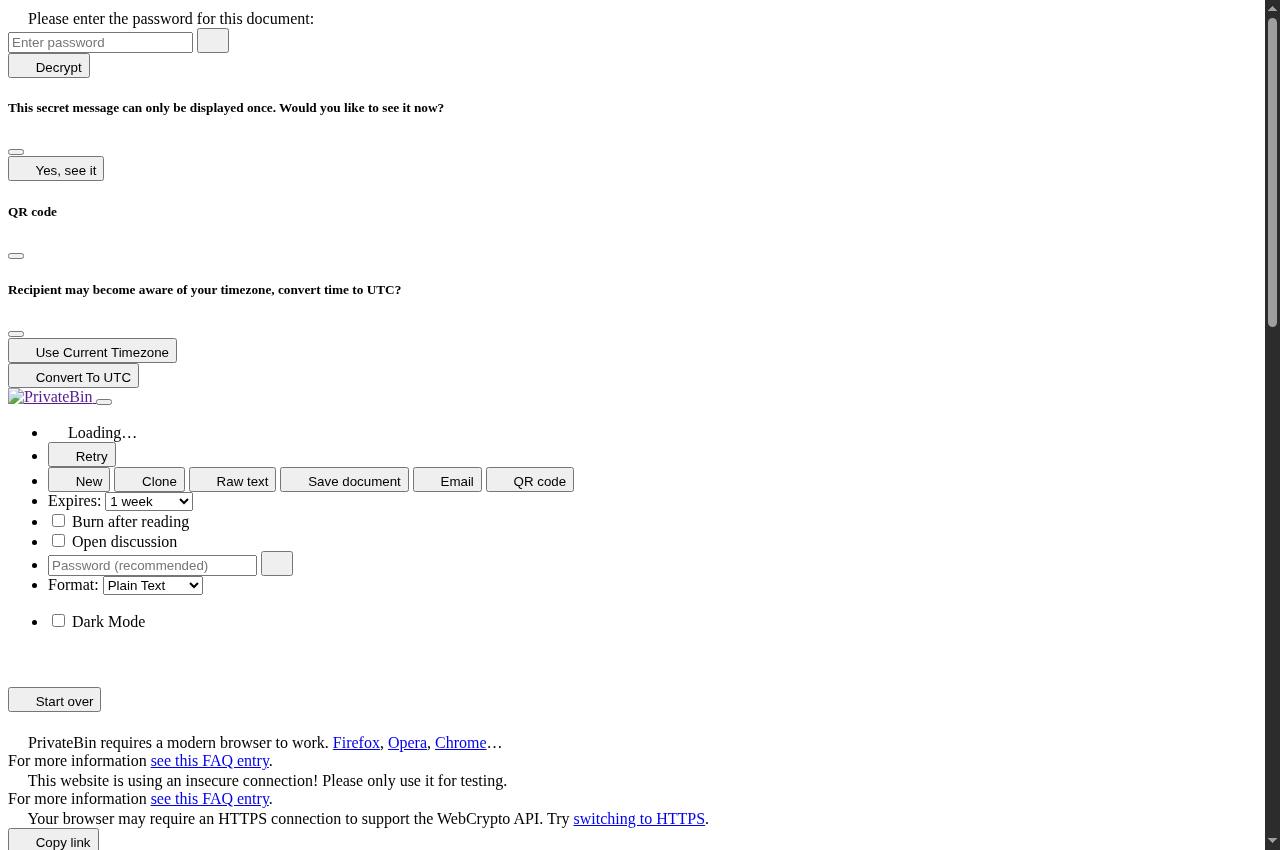
PrivateBin

Text sharing with password, expiry and burn-after-reading options.
Getting started
  1. Enter your text and choose an expiry period. Use an additional password and burn-after-reading when appropriate.
  2. Create the paste and copy the complete address, including the fragment after #. The link may carry the secret needed to read it.
  3. Send any password over a separate channel. Test with disposable content before using burn-after-reading options.
Full guide, requirements and support →
Encurtador de links — Public screenshot, signed out · 2026-09-06 15:16 UTC
Public screenshot, signed out · 2026-09-06 15:16 UTC

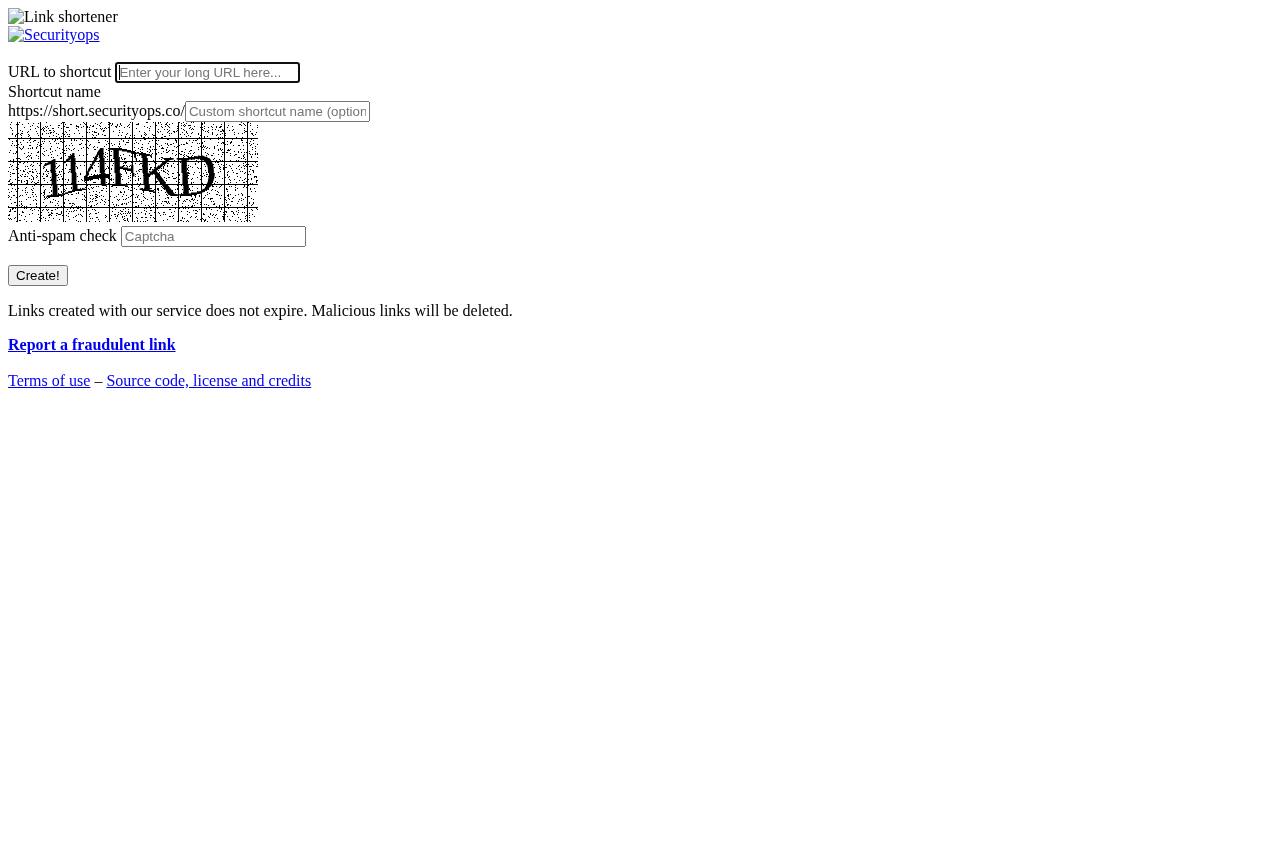
Encurtador de links

Short URL creation with an anti-spam check.
Getting started
  1. Paste the destination URL and review its full domain. Choose a short name if the interface allows it.
  2. Complete the anti-spam check and create the link. Open it once to confirm the destination.
  3. Do not use the shortener to hide phishing, malware or deceptive pages. Use the published reporting channel to report abuse.
Full guide, requirements and support →
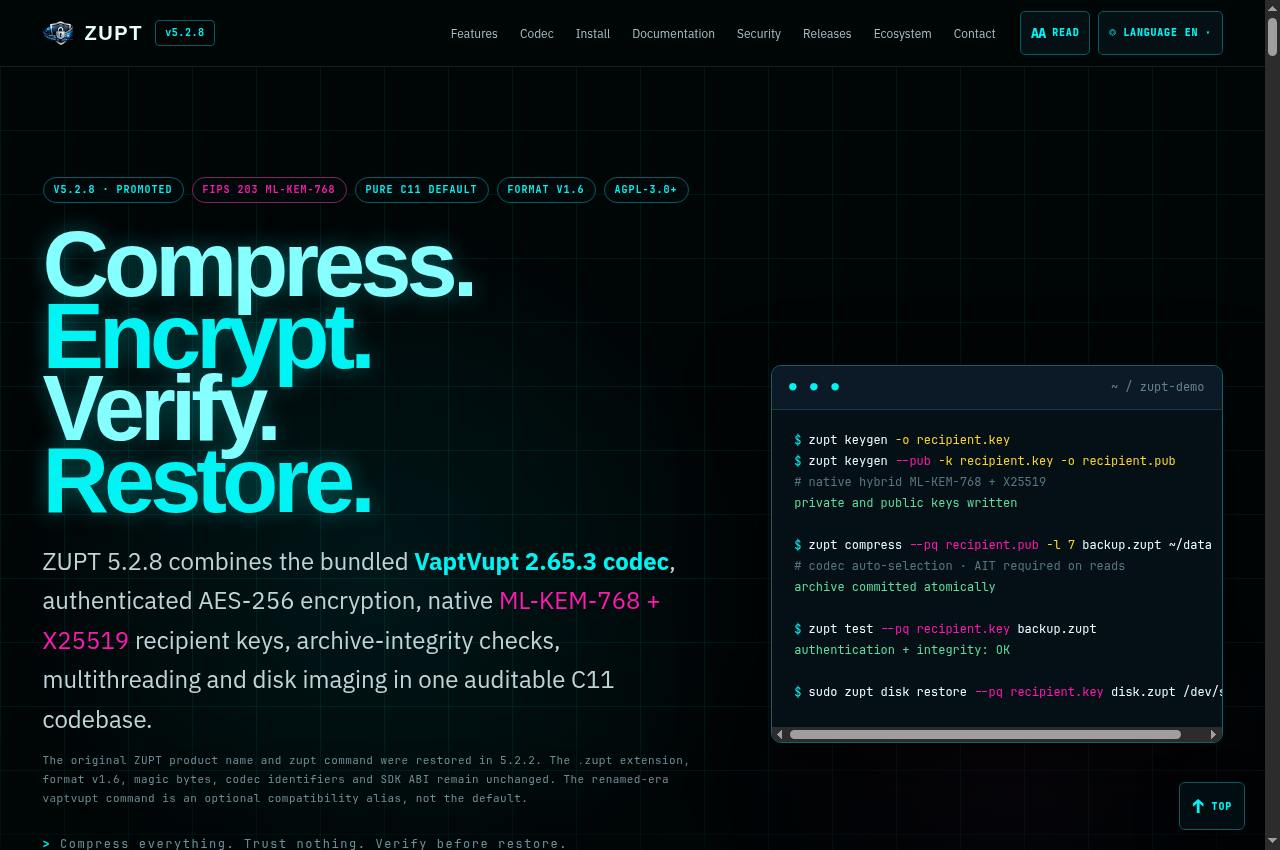
ZUPT — Public screenshot, signed out · 2026-09-06 15:17 UTC
Public screenshot, signed out · 2026-09-06 15:17 UTC

ZUPT 5.2.9 · Tool

ZUPT 5.2.9 is the backup tool: compression, authenticated encryption, verification and restoration, with the bundled VaptVupt 2.65.11 codec.
Getting started
  1. Read the archive and encryption modes documented for your installed version. Distinguish compression, passwords, public keys and integrity checks.
  2. Create a small archive from test data. Retain the original and separately store any private key required for restoration.
  3. Run verification and restore into an empty folder. Compare the restored files before applying the same procedure to your backups.
ZUPT 5.2.9 manual and downloads →Full guide, requirements and support →
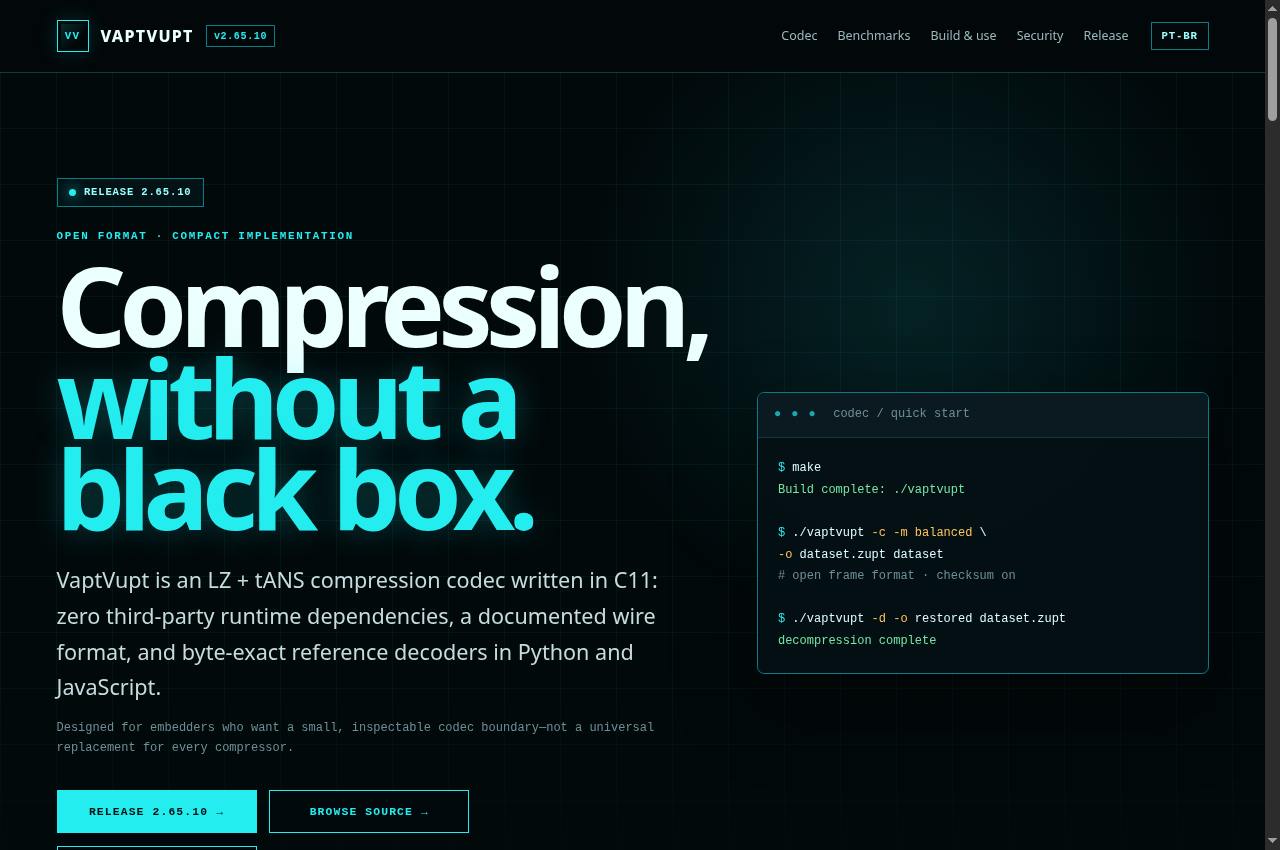
VaptVupt — Public screenshot, signed out · 2026-09-06 15:17 UTC
Public screenshot, signed out · 2026-09-06 15:17 UTC

VaptVupt · Codec

Documentation for the C11 LZ and tANS compression codec.
Getting started
  1. Read the codec block format, API and build requirements. Identify which optimizations your target architecture supports.
  2. Build and run the project’s published tests and examples. Measure a representative dataset rather than treating another machine’s results as a guarantee.
  3. Test the complete compression and decompression path before integration. Record the library version and check format compatibility when updating.
Full guide, requirements and support →
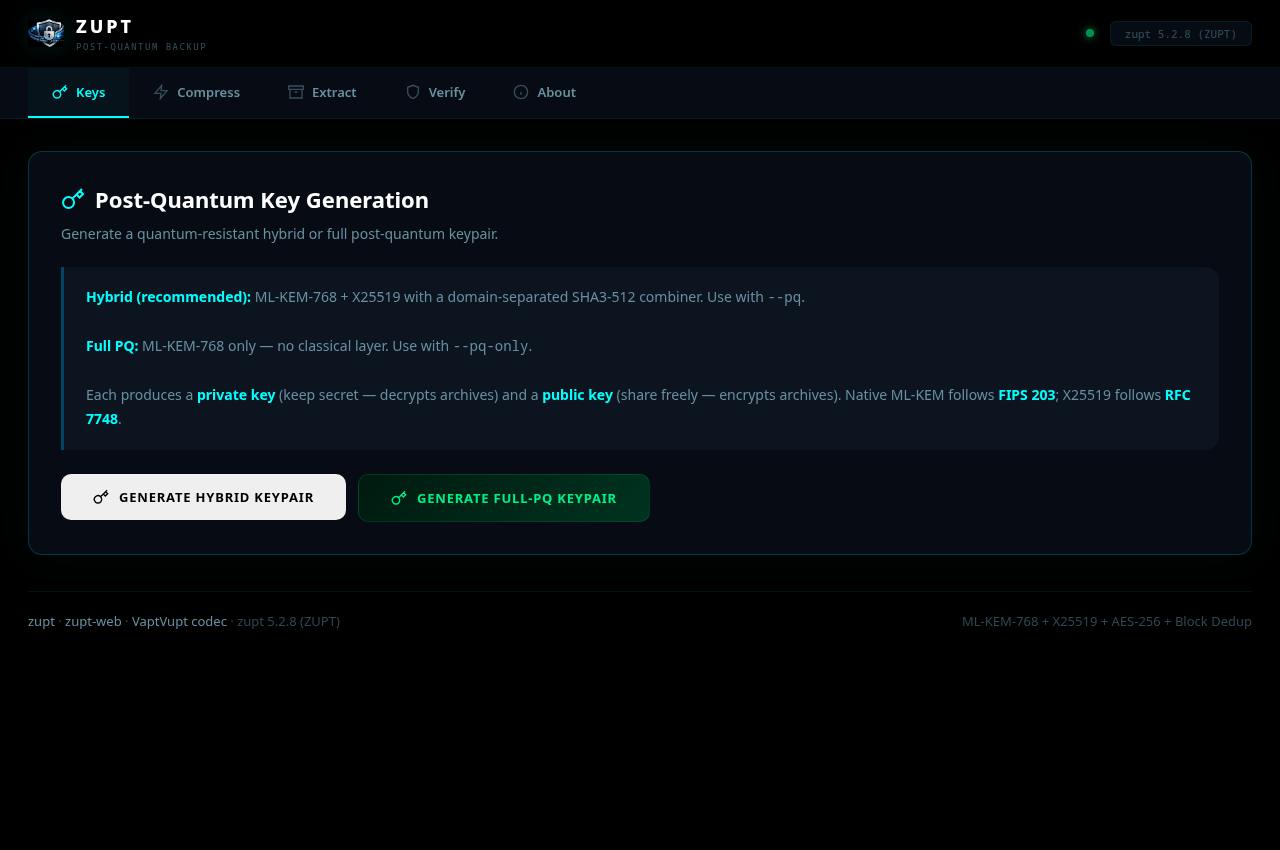
ZUPT Web — Public screenshot, signed out · 2026-09-06 15:17 UTC
Public screenshot, signed out · 2026-09-06 15:17 UTC

ZUPT Web

Web interface for ZUPT compression, extraction, key generation and archive verification.

Getting started
  1. Read the operations and limits shown in the form. This interface sends files to the service; use the local tool when data must stay on your device.
  2. Choose compression, extraction or verification and supply the required format, password or key. Start with a small, non-confidential file.
  3. Download the result and test restoration. Keep private keys and originals separately; do not treat this interface as your only backup copy.
Full guide, requirements and support →
// onePreview unavailable in this review

The page could not be captured correctly. Use the links and guide below; blank or error screens are not displayed as a service preview.

WebClient · arquivos

Sign-in page for an authenticated file service.
Getting started
  1. Open the WebClient and use the account issued specifically for this service. Confirm with the operator which library was shared with you.
  2. Browse the folders made available to your account and use the permitted preview or download actions.
  3. Sign out on shared computers. For course materials, use the Course Library address provided with your enrollment.
Full guide, requirements and support →
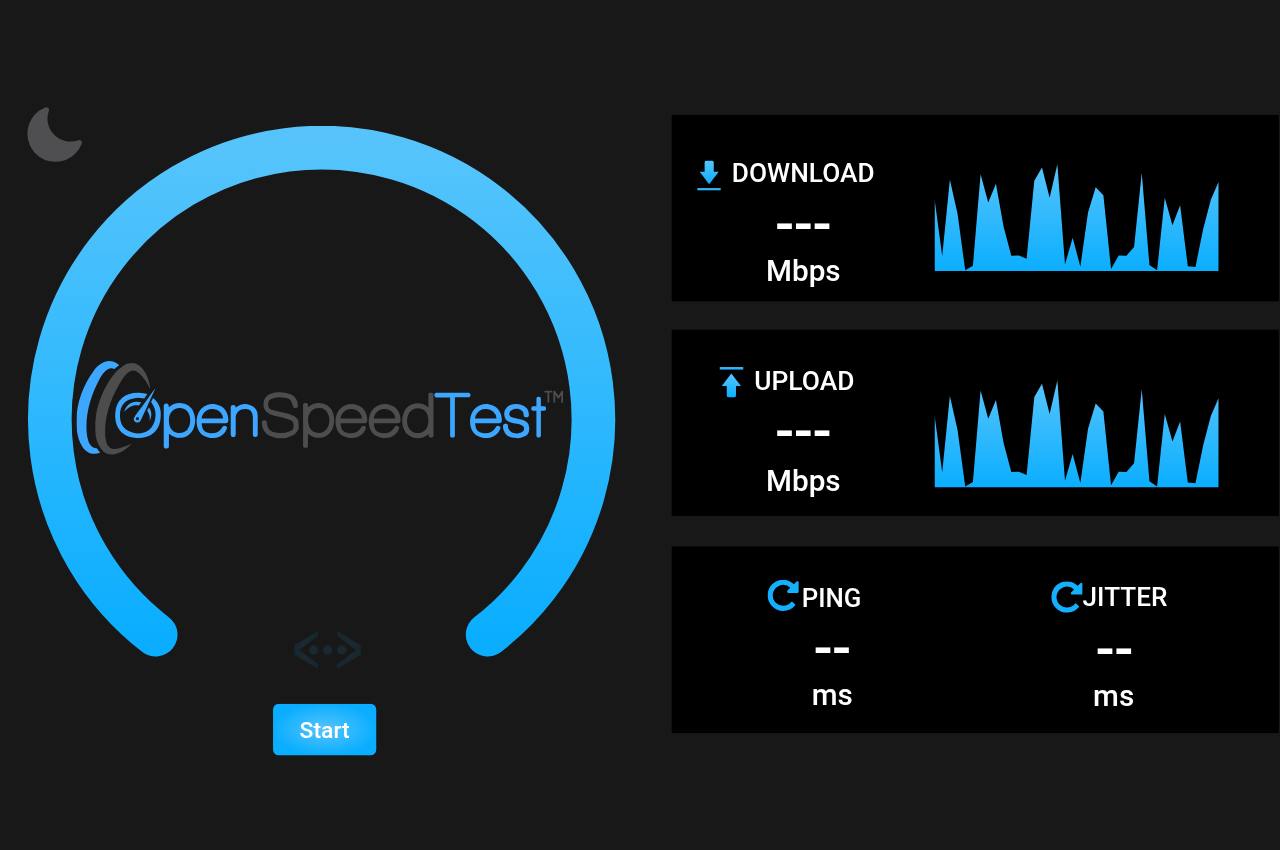
OpenSpeedTest — Public screenshot, signed out · 2026-09-06 15:18 UTC
Public screenshot, signed out · 2026-09-06 15:18 UTC

OpenSpeedTest

Speed measurement between the browser and the test server.

Getting started
  1. Close transfers that may compete with the test and confirm that your data plan permits a speed measurement.
  2. Start the test and wait for download, upload and latency measurements.
  3. Compare measurements at different times. The result describes the path to this server, not every internet destination.
Full guide, requirements and support →
Security Drive · Nextcloud — Public screenshot, signed out · 2026-09-06 15:18 UTC
Public screenshot, signed out · 2026-09-06 15:18 UTC

Security Drive · Nextcloud

Private files, synchronization and collaborative documents. An authorized account is required.
Getting started
  1. Open cloud.securityops.com.br and sign in only with an authorized account. The login page does not provide public registration; contact the administrator for access.
  2. In Files, upload a test document or create a folder. Choose sharing recipients, restrict permissions and use a password and expiration when available.
  3. Open a supported document to use Office. Simultaneous editing depends on permissions and connectivity. The public page and Office discovery were checked; authenticated editing and upload still need testing with your account.
Full guide, requirements and support →
Audio, video and images 5 services
SecTube — Public screenshot, signed out · 2026-09-06 18:52:53 UTC

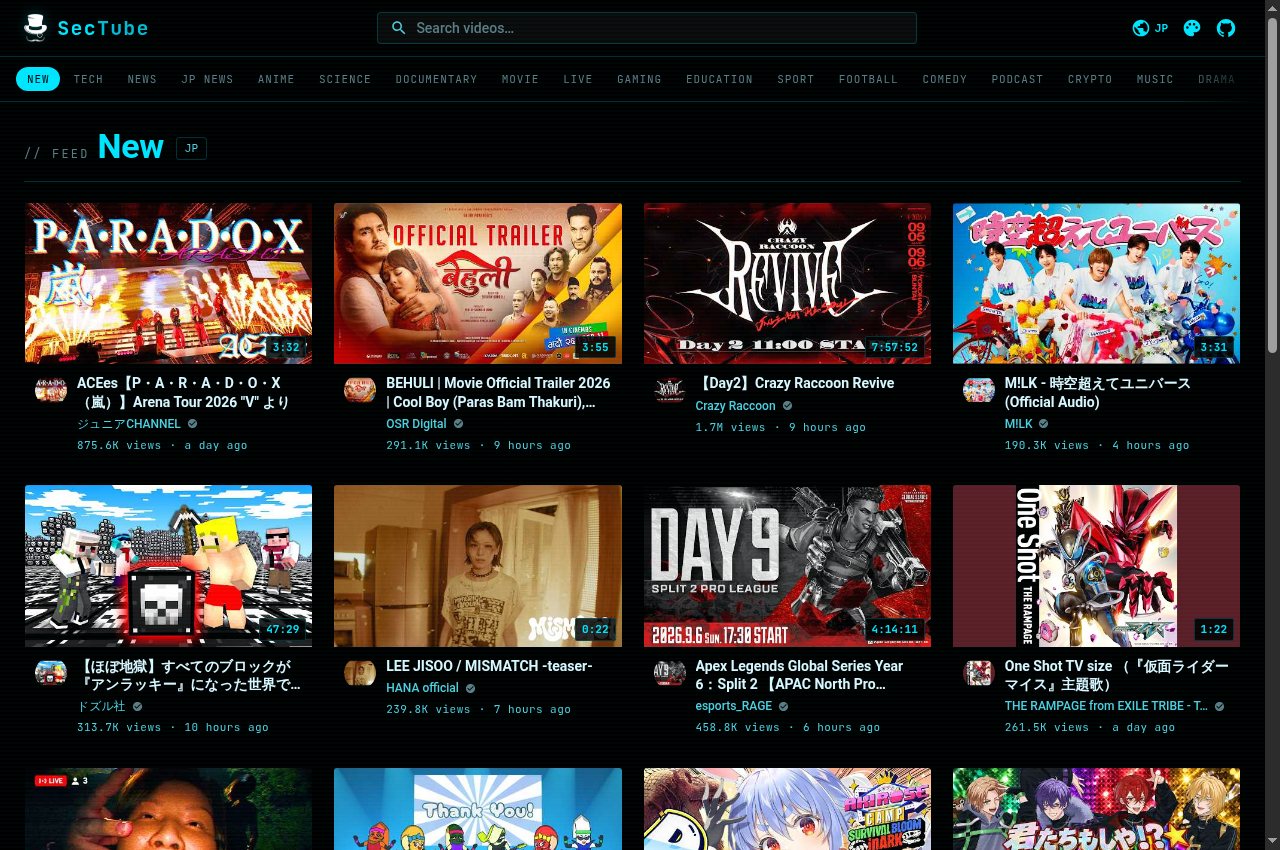
SecTube

YouTube video discovery and playback through a separate interface.
Getting started
  1. Search for a work, video or artist, or explore the available public categories.
  2. Open a result to access viewing controls and source details.
  3. Respect authors’ rights and the source’s rules. Content and availability may change due to upstream restrictions.
Full guide, requirements and support →
Binternet — Public search for “forest” · 2026-09-07 03:02:43 UTC
Public search for “forest” · 2026-09-07 03:02:43 UTC · Full image

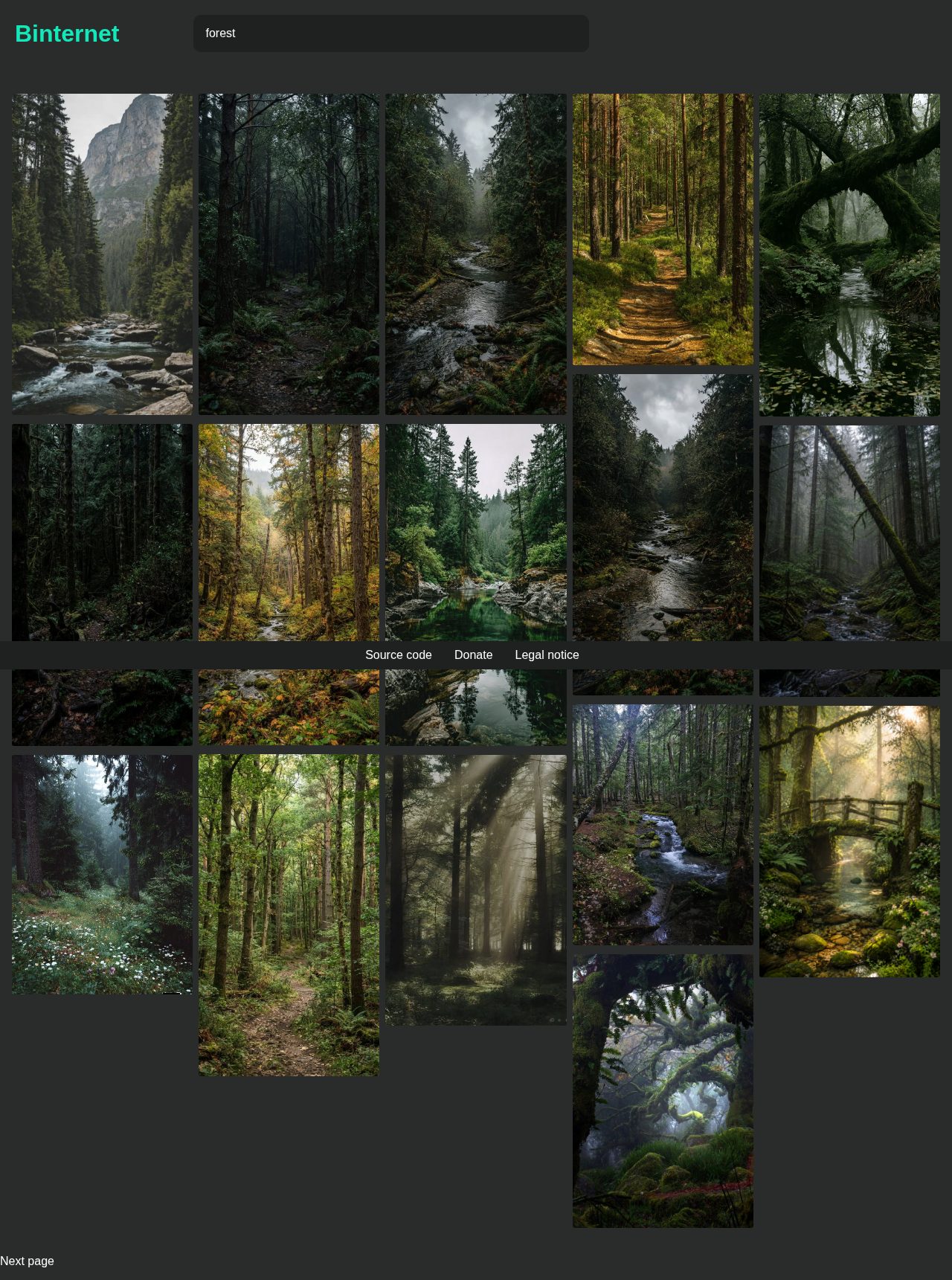
Binternet

Pinterest image search through an alternative frontend.
Getting started
  1. Enter specific terms, such as “forest”, and submit the search. The service uses HTML forms without JavaScript.
  2. Open an image to view its file through this instance’s proxy. Use “Next page” when more results are available.
  3. Results come from Pinterest. Upstream failures are reported; displaying an image does not grant a license to reuse it.
Full guide, requirements and support →
PixivFE — Public screenshot, signed out · 2026-09-06 15:15 UTC
Public screenshot, signed out · 2026-09-06 15:15 UTC

PixivFE

An alternative Pixiv frontend for illustrations, rankings and artist discovery.

Getting started
  1. Search for a work, video or artist, or explore the available public categories.
  2. Open a result to access viewing controls and source details.
  3. Respect authors’ rights and the source’s rules. Content and availability may change due to upstream restrictions.
Full guide, requirements and support →
MusicMagic — Public screenshot, signed out · 2026-09-06 15:15 UTC
Public screenshot, signed out · 2026-09-06 15:15 UTC

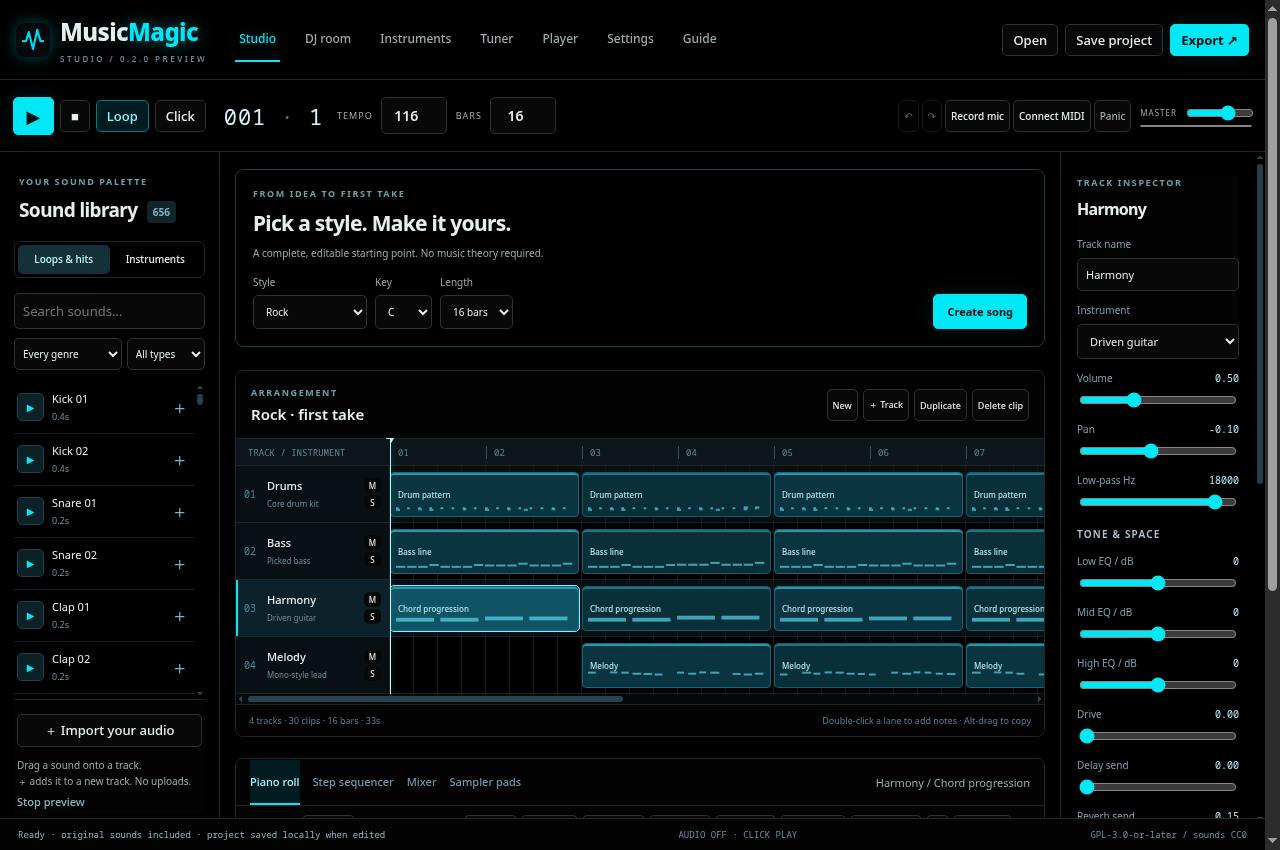
MusicMagic

A browser music studio with arrangements, instruments, a sampler and a DJ room.
Getting started
  1. Start with the guide and lower your output volume. Use Create song for a starting arrangement or import your own audio.
  2. Edit tracks, notes and patterns; explore instruments, the mixer and sampler. In the DJ room, load the decks and adjust the A/B transition.
  3. Save your project and test a short-session export. Grant microphone or MIDI access only when using those features.
Full guide, requirements and support →
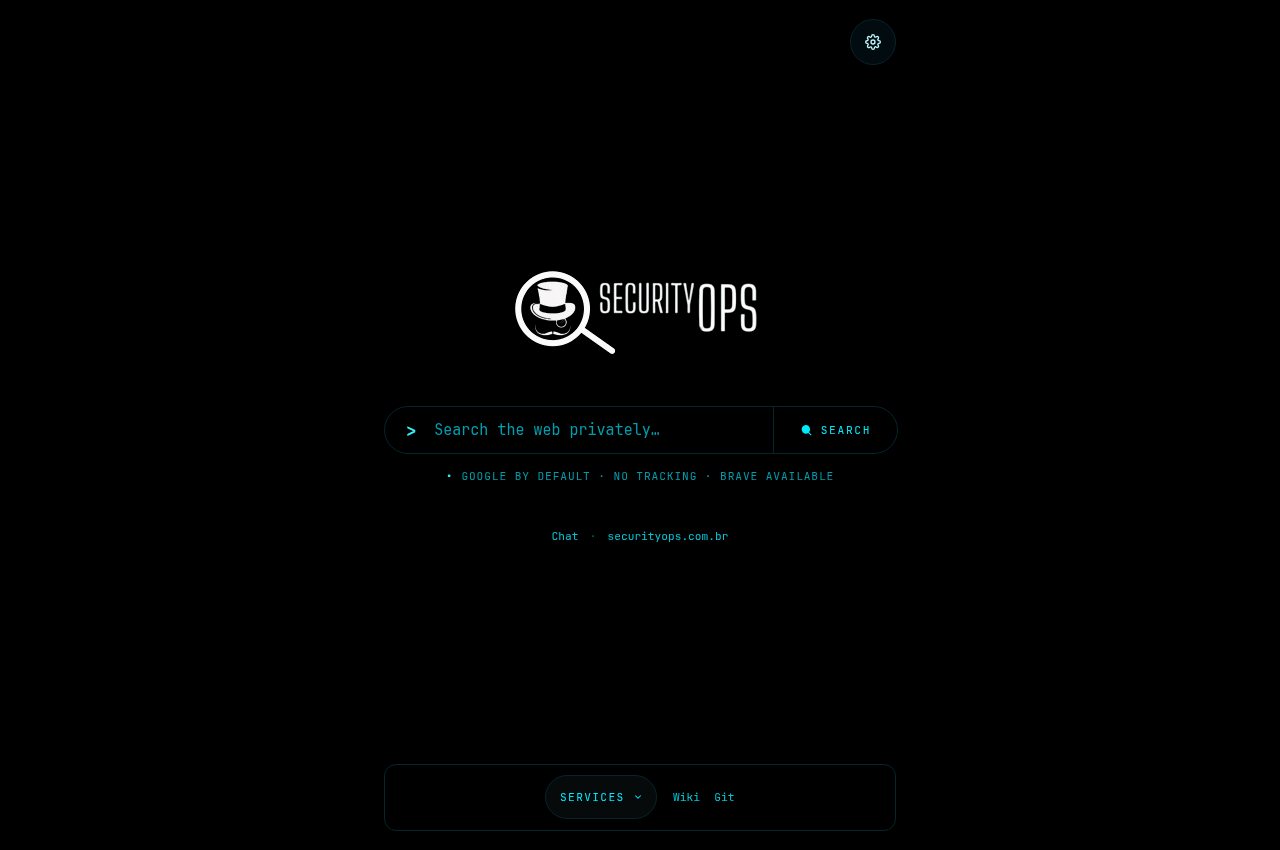
Invidious · SecurityOps — Public capture, page loading complete · 2026-09-06 15:52 UTC
Public capture, page loading complete · 2026-09-06 15:52 UTC

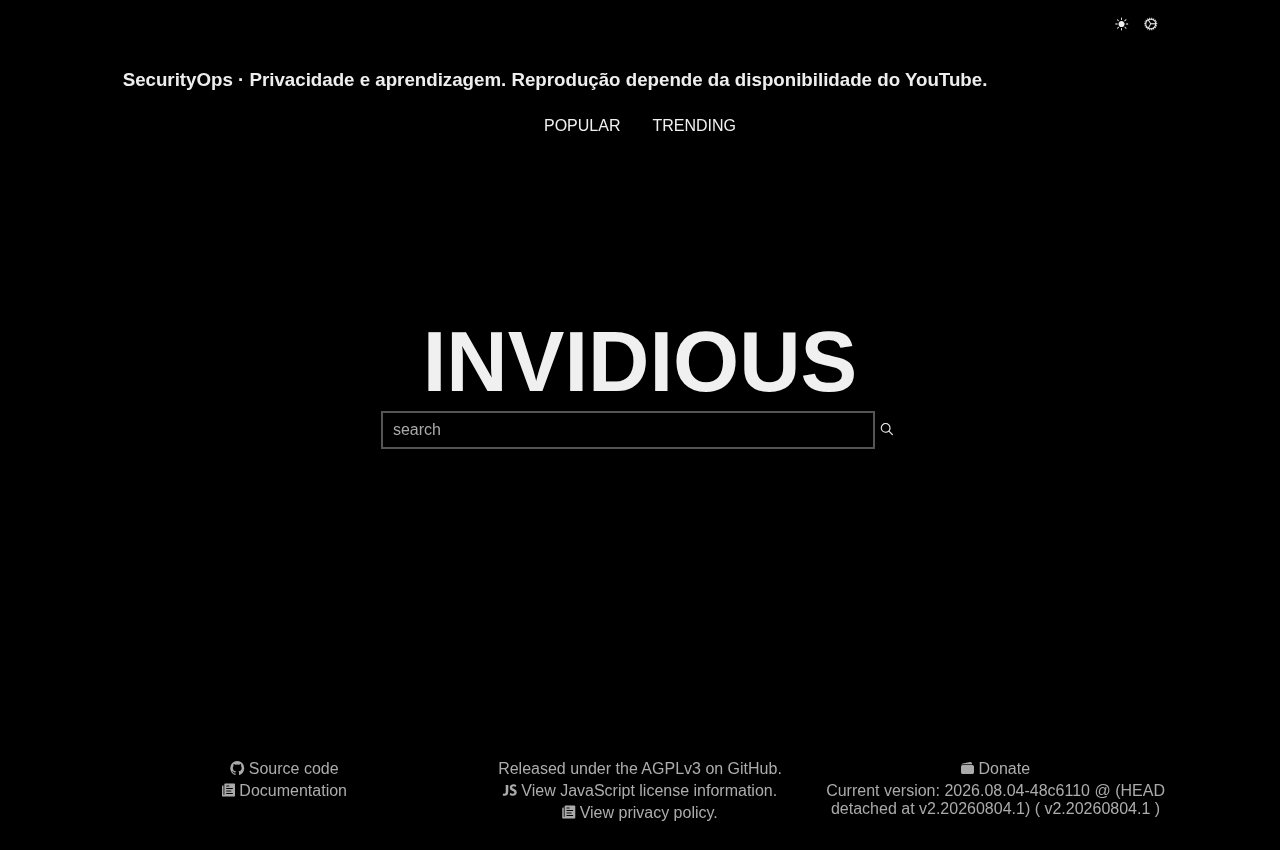
Invidious · SecurityOps

An alternative YouTube frontend with dark defaults, adaptive quality and two operator-owned Companion backends.
Getting started
  1. Open either official domain or the Tor/I2P route below. The default background is black; previously saved browser preferences can select another theme.
  2. Search by title or open a YouTube video ID. No account is required: registration and sign-in are disabled on this instance.
  3. Keep DASH/automatic quality in preferences to adapt playback to your connection. Two operator-owned Companion backends serve the instance; this does not guarantee every video will be available.
Full guide, requirements and support →
Search and discovery 4 services
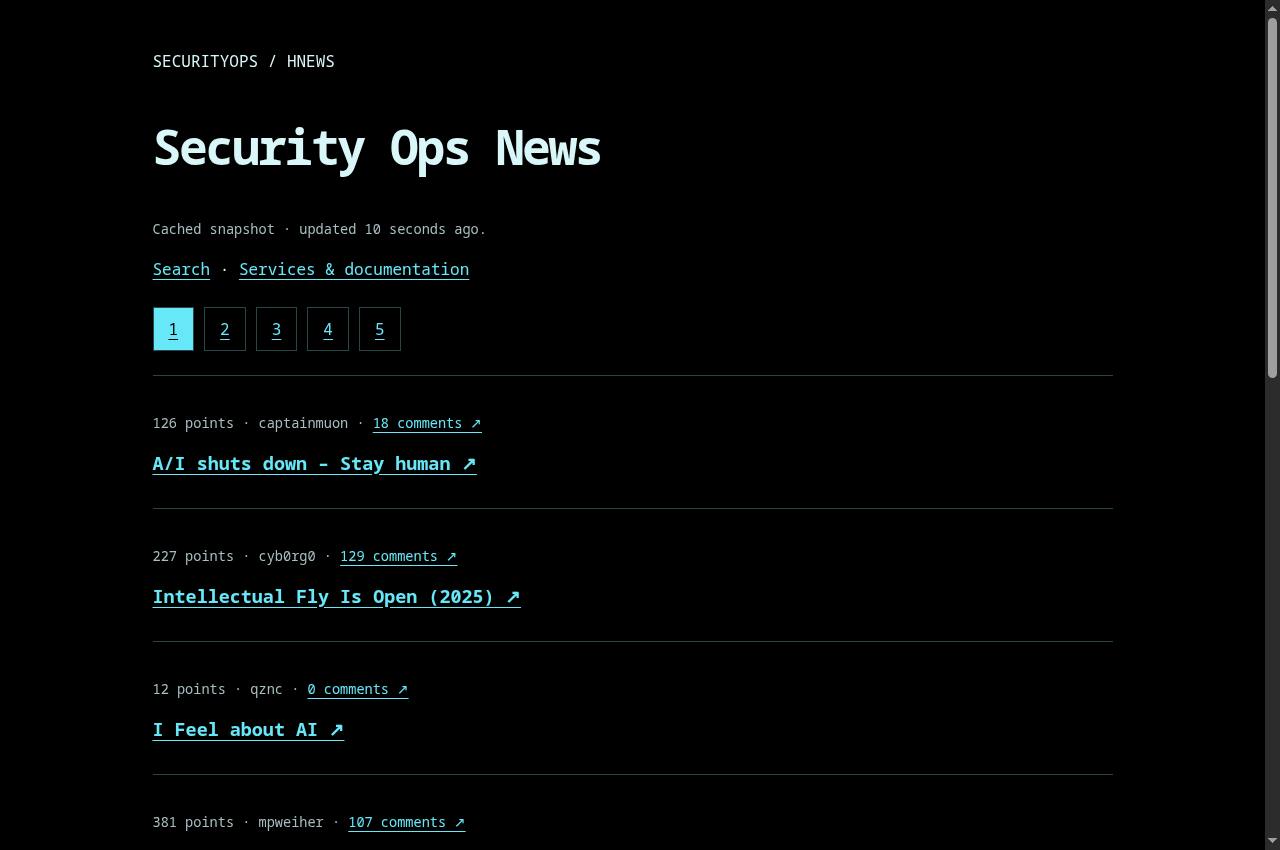
HN Fast — Public screenshot, signed out · 2026-09-06 15:15 UTC
Public screenshot, signed out · 2026-09-06 15:15 UTC

HN Fast

A reading interface for Hacker News stories and discussions.

Getting started
  1. Open the homepage and choose an available story, community or category.
  2. Use pagination to explore other entries and consult the original source for context.
  3. If the service is unavailable, try again later. A listing in this wiki is not a guarantee of continuous availability.
Full guide, requirements and support →
// redditFeed temporarily unavailable

Redlib keeps its local interface available, but Reddit is refusing content access. The feed returns HTTP 503; an error screen is not used as a preview.

Local settings available

Redlib

An alternative reading interface for public Reddit content.

Getting started
  1. Open the homepage and choose an available story, community or category.
  2. Use pagination to explore other entries and consult the original source for context.
  3. If the service is unavailable, try again later. A listing in this wiki is not a guarantee of continuous availability.
Full guide, requirements and support →
// eyePreview unavailable in this review

The page could not be captured correctly. Use the links and guide below; blank or error screens are not displayed as a service preview.

God’s Eye View

Geographic visualization of public sources, maps and observed data.

Getting started
  1. Explore the map and select available data layers. Enable location access only if you intend to provide that information to your browser.
  2. Check each layer’s source, timestamp and coverage before interpreting a marker.
  3. Missing data does not establish that no event occurred. Use the map to explore public sources, not as a certified navigation or emergency-response instrument.
Full guide, requirements and support →
Research and reading 2 services
OQCT — Public screenshot, signed out · 2026-09-06 15:18 UTC
Public screenshot, signed out · 2026-09-06 15:18 UTC

OQCT

Independent publication of a theoretical physics proposal, with references and hypotheses.

Getting started
  1. Start with the summary, assumptions and evidence classification.
  2. Follow references to original publications and distinguish observed results from proposals, estimates and the author’s interpretations.
  3. When citing, record the edition, access date and relevant section. An independent publication does not imply validation by scientific consensus.
Full guide, requirements and support →
Vida extraterrestre · análise — Public screenshot, signed out · 2026-09-06 15:18 UTC
Public screenshot, signed out · 2026-09-06 15:18 UTC

Vida extraterrestre · análise

A statistical-analysis article distinguishing observations, estimates and reported accounts.

Getting started
  1. Start with the summary, assumptions and evidence classification.
  2. Follow references to original publications and distinguish observed results from proposals, estimates and the author’s interpretations.
  3. When citing, record the edition, access date and relevant section. An independent publication does not imply validation by scientific consensus.
Full guide, requirements and support →
Community projects 4 services
A Palavra · The Word — Public screenshot, signed out · 2026-09-06 15:18 UTC
Public screenshot, signed out · 2026-09-06 15:18 UTC

A Palavra · The Word

Daily biblical message, editorial reflection and reading reference.
Getting started
  1. Select a language and read the daily message.
  2. Open the biblical reference to read the passage in the context of its chapter.
  3. Distinguish editorial reflection and paraphrase from the wording of a particular Bible translation.
Full guide, requirements and support →
Kike — Public screenshot, signed out · 2026-09-06 15:18 UTC
Public screenshot, signed out · 2026-09-06 15:18 UTC

Kike

A listings and messaging portal for local trading.

Getting started
  1. Browse listings and filter by available location or category. Use the service’s account features to list items or message people.
  2. Read the description, confirm item condition and agree on clear terms with the other person.
  3. Verify identity and conditions before a transaction. Do not send documents, authentication codes or payments without understanding the recipient and terms.
Full guide, requirements and support →
Fibralis — Public screenshot, signed out · 2026-09-06 15:18 UTC
Public screenshot, signed out · 2026-09-06 15:18 UTC

Fibralis

An atelier website for custom pieces, sewing, repairs and alterations.
Getting started
  1. Explore the collection or choose custom creation, repairs and alterations.
  2. Send your idea, measurements and only the necessary details through the channels shown on the website.
  3. Confirm the quote, timing, materials and terms directly with the atelier. Website presentation does not imply immediate availability of every item.
Full guide, requirements and support →
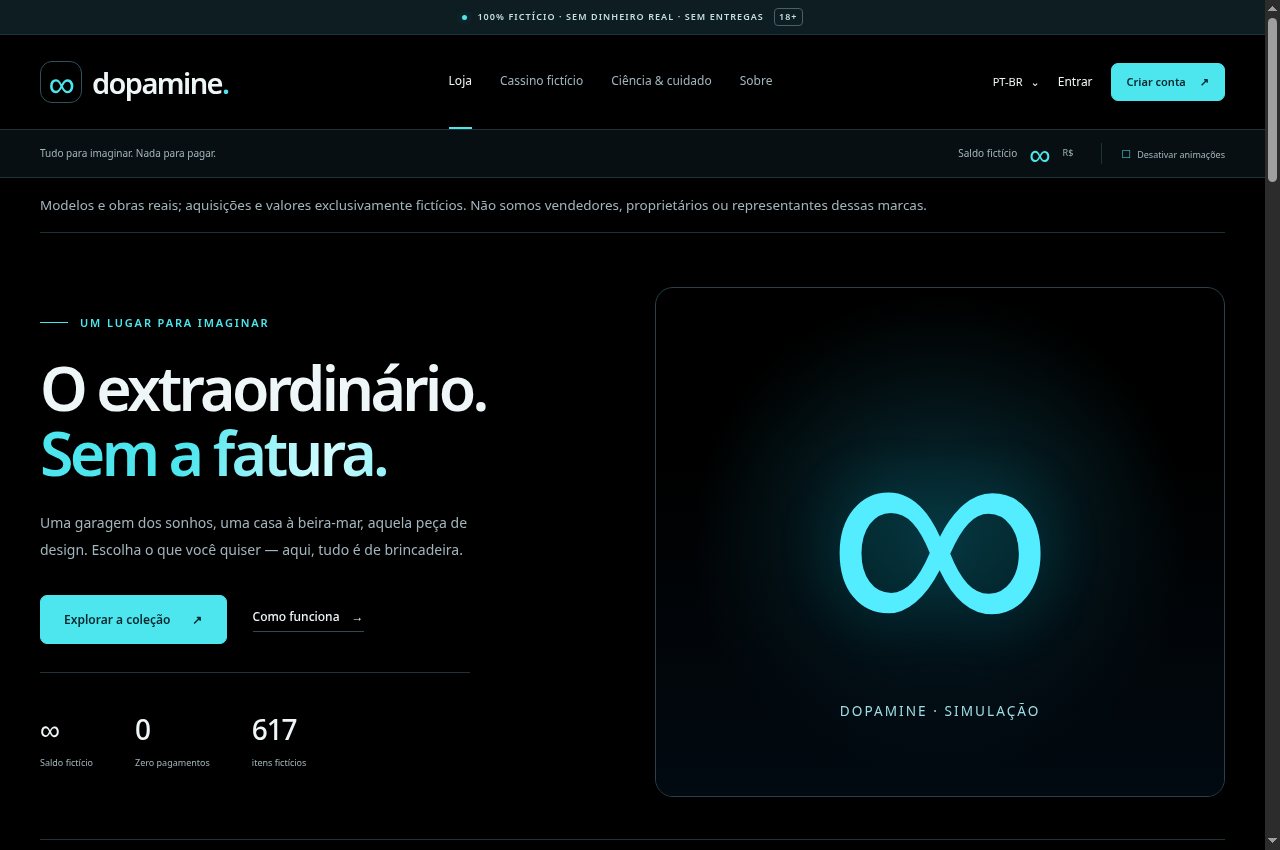
Dopamine — Public screenshot, signed out · 2026-09-06 18:52:59 UTC
Public screenshot, signed out · 2026-09-06 18:52:59 UTC

Dopamine

A simulated shop and casino using fictional credits, with no real payments or deliveries.

Getting started
  1. Read the simulation notice before exploring the collection or games. The service identifies its credits as fictional.
  2. Use filters to browse imaginary items. There are no real purchases, deliveries, balance conversion or withdrawals.
  3. Consult the Science & care area and motion controls. The site labels its fictional casino area as 18+.
Full guide, requirements and support →

Screenshots show public pages without an authenticated session. Some applications may be unavailable or depend on JavaScript and external services; this portfolio uses no JavaScript. Tor/I2P access does not guarantee anonymity if you identify yourself or follow external links. Check status before relying on a service.

06 / Stack

Tools of the trade.

Languages

C11RustPython BashScheme / GuileKotlin Emacs Lisp

Cryptography

ML-KEM · FIPS 203ML-DSA · FIPS 204 XChaCha20-Poly1305AES-256-GCMAES-256-SIV BLAKE3SHA-3Argon2id HKDFX25519/Ed25519

Verification

JasminFrama-C / ACSL NIST ACVP vectorsConstant-time ASan / UBSanReproducible builds

Systems

LinuxGNU GuixGentoo FreeBSDOpenBSDDocker NginxnftablesWireGuard

Privacy & Ops

TorForgejo (self-hosted) Hardening / KSPPThreat modeling MonitoringPKCS#11 / HSM

Let's build something secure.

A website, a piece of software, a hardened server, or a post-quantum migration. Send a message. I read every one.

sac@securityops.co
↑ Top